
If your current site is slow, expensive to host, or constantly at risk from plugin vulnerabilities, you’ve probably had “should we move to Jamstack” come up. This guide covers what a migration actually costs, how long it takes, and how to tell if now is the right time.
What Jamstack Migration Actually Means
Jamstack (JavaScript, APIs, Markup) separates your site’s front end from its back end — instead of a server building each page on every visit (like traditional WordPress), your pages are pre-built and served instantly from a global content network. The result is a site that’s typically faster, more secure by default (there’s no live database for attackers to target), and cheaper to host at scale.
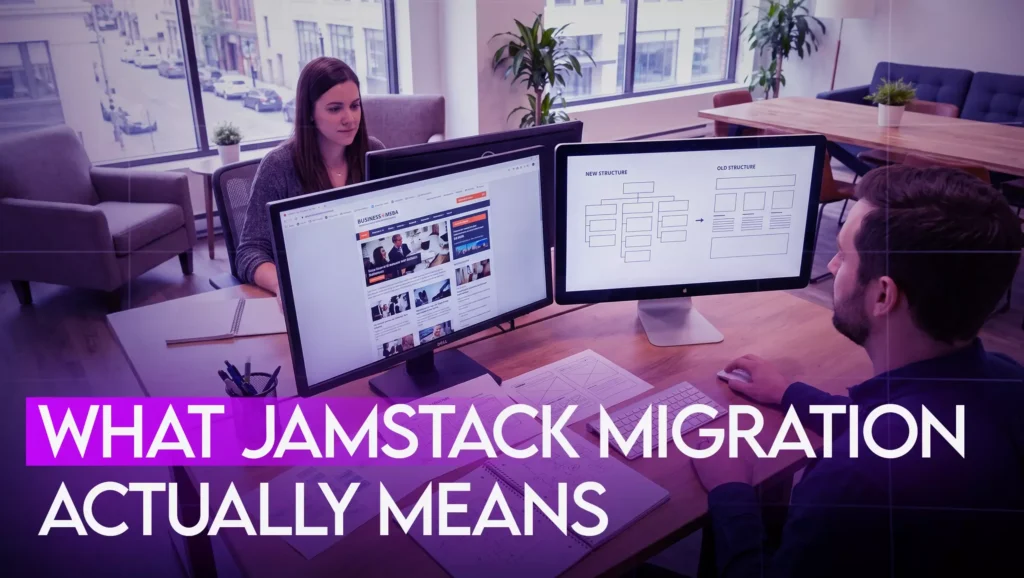
Migration means rebuilding your existing site — content, design, and functionality — on this architecture, usually with a framework like Next.js.
What Drives the Cost

Factor | Impact on Cost |
Number of unique templates | The more distinct page types (product pages, blog, landing pages), the more build time |
CMS integration | Connecting to a headless CMS (for a non- technical team to keep editing content) adds cost but is almost always worth it |
E-commerce functionality | Headless commerce (Shopify’s Storefront API, or similar) adds meaningful scope |
Content volume | Migrating hundreds of existing blog posts or product pages takes real time to do without breaking SEO |
Custom integrations | Booking systems, CRMs, or third-party APIs each add development time |
Most Jamstack migrations for a small-to-midsize business site fall in the $8,000–$25,000+ range — generally above a standard WordPress rebuild, because you’re paying for the architecture change itself, not just a redesign. For businesses with high traffic, security requirements, or hosting costs already climbing on their current platform, this cost is usually recovered within 1–3 years through lower hosting and maintenance spend.
Typical Timeline
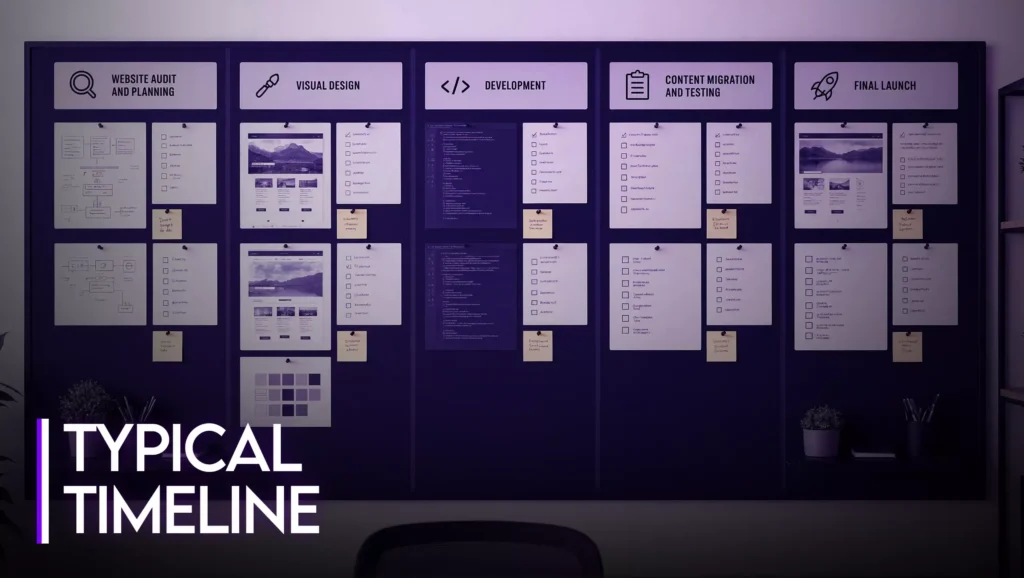
- Audit & planning (1–2 weeks) — cataloging every page, integration, and piece of content that needs to move, and confirming nothing gets lost in the migration.
- Design (1–3 weeks) — can run in parallel with planning if your existing design mostly carries over; longer if you’re redesigning at the same time.
- Build (3–8 weeks) — the core development phase; length depends directly on the number of unique templates and integrations from the cost table above.
- Content migration & testing (1–3 weeks) — moving content over and testing every page, form, and integration before launch, including a 301-redirect map so you don’t lose existing SEO rankings in the switch.
- Launch & monitoring (1 week+) — going live, then watching Search Console and site performance closely for the first few weeks.
Most projects land between 6 and 16 weeks total, depending on complexity.
Is Now the Right Time to Migrate?

Jamstack migration makes the most sense when:
- Your current site’s hosting or plugin costs keep climbing
- You’ve had a security incident or vulnerability scare
- Page speed is directly costing you conversions or rankings
- You’re rebuilding anyway and want to future-proof the architecture
It’s usually not the right time if your current site is working fine and the main goal is just a visual refresh — a redesign on your existing platform will get there faster and cheaper.
What This Looks Like With Allusive Digital
We scope every Jamstack migration with a fixed-price quote after an audit of your current site — no open-ended hourly billing on a project this technical. Get a Free Jamstack Audit →
How much does Jamstack migration cost?
Most Jamstack migrations for small-to-midsize business sites range from $8,000 to $25,000+, depending on the number of page templates, integrations, and content volume being migrated.
How long does a Jamstack migration take?
Typically 6 to 16 weeks from initial audit to launch, depending on site complexity.
Will I lose my SEO rankings during migration?
Not if it’s done correctly — a proper migration includes a full 301-redirect map so every existing URL points to its new equivalent, preserving your accumulated ranking signals.
Is Jamstack better than WordPress?
It depends on your goals — see the full comparison in WordPress vs. Jamstack 2026. Jamstack generally wins on speed and security; WordPress generally wins on ease of ongoing content editing without developer involvement, unless paired with a headless CMS.