
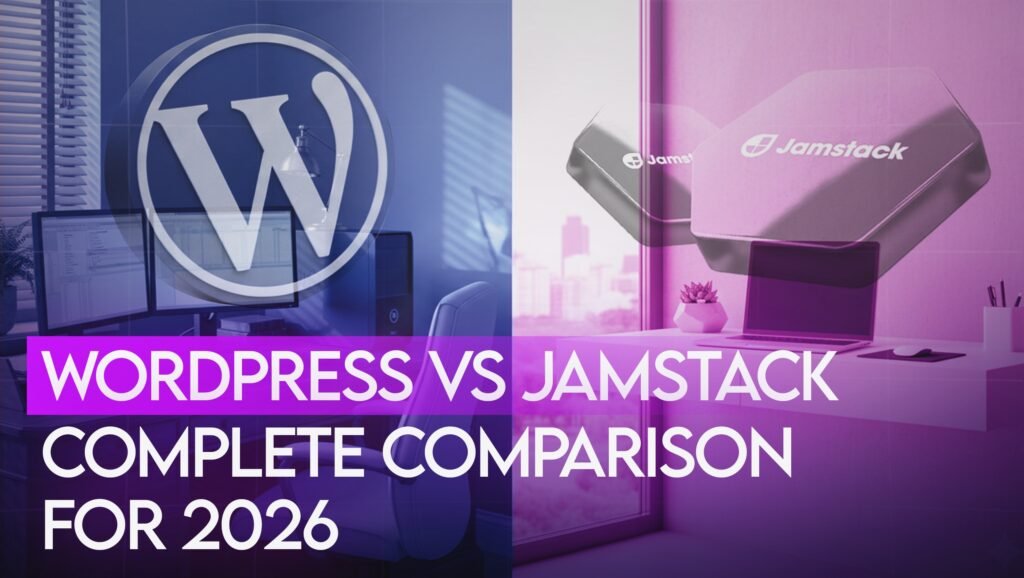
The custom website development landscape has fundamentally shifted. WordPress still powers 43% of websites, but Jamstack architecture is growing 300% year-over-year. We’ve built 100+ sites on both, here’s everything you need to know.
WordPress: Easy content updates, huge plugin ecosystem, lower upfront cost.
Jamstack: 4x faster (0.7s vs 3.2s), 10x more secure, lower long-term cost .
Choose WordPress if:
You need to manage content daily without developer help
You rely on a large plugin ecosystem
Budget is the primary constraint
You want an established, widely-supported platform
Choose Jamstack if:
Page speed and Core Web Vitals are critical (ecommerce, SaaS)
You want better security (no database to attack)
You have a developer who can manage a modern build pipeline
You’re building a high-traffic marketing site

Architecture:
Request → Server → PHP → Database → HTML → User
(600-900ms processing time)
limited budget
Market Share 2026: 43.2% of all websites
Best For:
Blogs, small businesses, frequent content updates, limited budget
Jamstack Development (JavaScript, APIs, Markup) pre-builds pages and serves them as static files from a global CDN. Dynamic features come from APIs.
Architecture:
Build: Content → Static Files → CDN
Request → CDN (instant delivery, 50-200ms)
limited budget
Growth: 300% year-over-year
Best For:
High-traffic sites, performance-critical applications, scalability
Performance: The Numbers
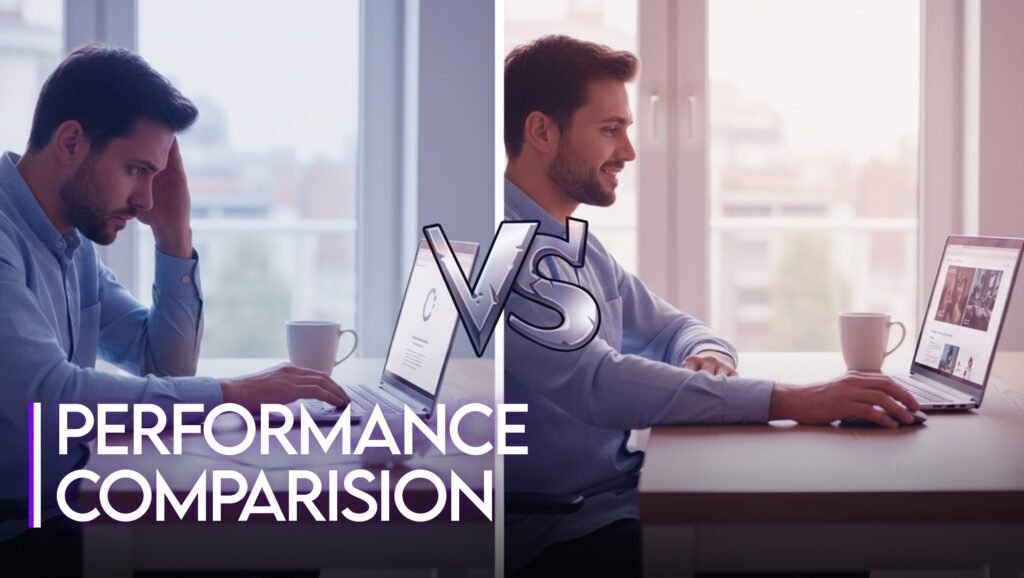
Load Speed Test
|
Metric |
WordPress |
Jamstack |
Difference |
|
Desktop Load |
3.2s |
0.7s |
78% faster |
|
Mobile (4G) |
4.1s |
1.1s |
73% faster |
|
Page Size |
2.8MB |
450KB |
84% smaller |
|
Requests |
87 |
12 |
86% fewer |
Why Jamstack Is Faster
1. Pre-Built Pages
– WordPress: Builds each page when requested
– Jamstack: Built once, served instantly
2. Global CDN
– WordPress: Single server
– Jamstack: 200+ edge locations
2. Global CDN
– WordPress: Single server
– Jamstack: 200+ edge locations
3. No Database Queries
– WordPress: 50-200 queries/page
– Jamstack: Zero queries
Business Impact:
– Google: 1-second delay = 7% fewer conversions
– 53% abandon sites slower than 3 seconds
– Your 3.2s WordPress vs competitor’s 0.7s Jamstack = they win customers
Cost: 5-Year Analysis

Year 1:
– Development: $15,000-$40,000
– Hosting: $200-$3,000
– Plugins: $300-$1,500
– Security: $200-$600
– Maintenance: $1,200-$6,000
– Total: $16,900-$51,100
Annual (Years 2-5): $1,900-$11,100
5-Year Total: $24,500-$95,500
Jamstack Total Cost
Year 1:
– Development: $25,000-$75,000
– Hosting: $0-$600
– CMS: $0-$1,200
– Maintenance: $600-$2,400
– Total: $25,600-$79,200
Annual (Years 2-5): $600-$4,200
5-Year Total: $27,800-$95,400
Cost Analysis
WordPress Advantages:
– Lower upfront ($17k vs $26k)
– Cheaper for small budgets
Jamstack Advantages:
– Lower annual costs ($600-$4,200 vs $1,900-$11,100)
– Break-even: Year 3
– Year 5: $27,800 vs potential $95,500 for WordPress
Plus Hidden Jamstack ROI:
– 2.5s faster = 2-5% higher conversion rate
– E-commerce: $50k-$250k additional revenue/year
– Speed advantage often pays for higher development in 6-12 months
Security: Jamstack Wins

WordPress Vulnerabilities (2026)
- 90% of hacked CMS sites are WordPress
- 73% have security vulnerabilities
- Average hack cost: $10,000-$50,000
Common Attacks:
– Outdated plugins: 54%
– Weak passwords: 37%
– Vulnerable themes: 18%
– PHP exploits: 12%
Required Protection:
– Constant updates
– Security plugins ($200-$600/year)
– Monitoring
– Backups
– Firewall
Time: 2-4 hours/month
Cost: $600-$3,000/year
Jamstack Security
Why It’s Secure:
– No database to hack (static files only)
– No server code to exploit
– Read-only hosting (CDN can’t be modified)
– Minimal attack surface (no admin panel exposed)
2026 Stats:
– <1% of Jamstack sites hacked
– Average security cost: $0-$300/year
– Maintenance: 15-30 min/month
Security Savings:
$600-$2,700/year + zero downtime + zero breach liability
Ease of Use

WordPress: 9/10 for Content Creators
Pros:
✅ Intuitive visual editor (like Word)
✅ No coding required
✅ Media library
✅ Categories, tags, scheduling
✅ User roles
Learning: 1-2 hours for basics
Who Can Use: Anyone comfortable with Google Docs
Jamstack: 5/10 Without CMS, 8/10 With
Without Headless CMS:
– Edit Markdown in GitHub
– Requires developer
– Git knowledge needed
With Headless CMS (Contentful, Sanity):
✅ Visual editor (similar to WordPress)
✅ Structured content
✅ Preview changes
✅ Workflow approval
❌ Separate system to learn
❌ Setup requires developer
❌ Additional $0-$1,200/year
Winner: WordPress for pure ease, but Jamstack + headless CMS matches usability
Scalability
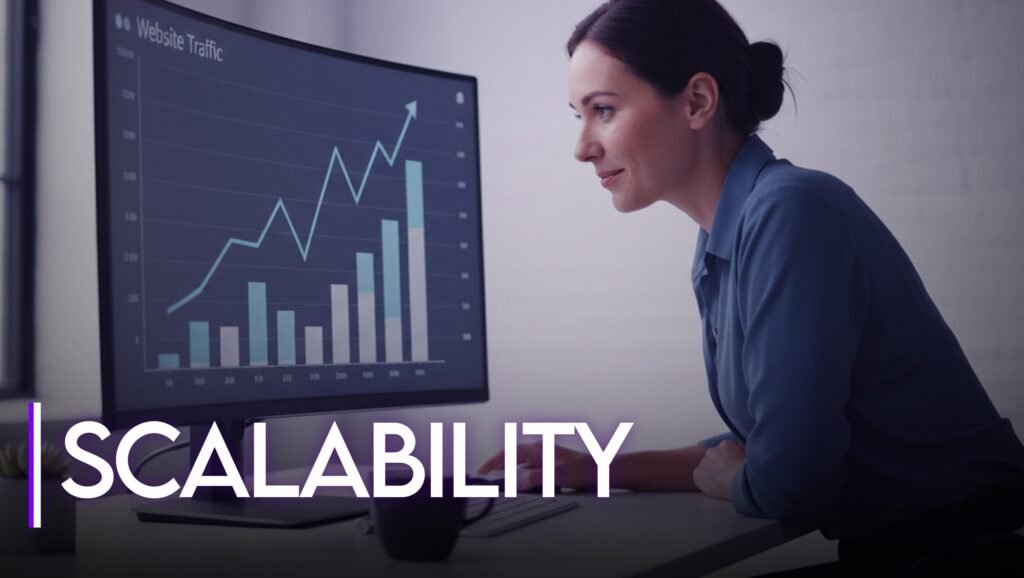
WordPress Scaling
|
Traffic/Day |
Hosting |
Optimizations |
Monthly Cost |
|
1,000 |
Shared |
None |
$20 |
|
10,000 |
VPS |
Caching |
$80 |
|
50,000 |
Dedicated |
CDN + optimization |
$400 |
|
200,000 |
Multiple servers |
Load balancing |
$1,200 |
|
1M+ |
Enterprise |
DevOps team |
$5,000+ |
Challenges:
– Database bottlenecks
– Server resource limits
– Plugin conflicts
– Performance degradation
Jamstack Scaling
|
Requests/Month |
Hosting |
Performance |
Cost |
|
100,000 |
Free |
Excellent |
$0 |
|
1M |
Pro |
Excellent |
$20 |
|
10M |
Pro+ |
Excellent |
$100 |
|
100M+ |
Enterprise |
Excellent |
$500+ |
Why It Scales:
– Static files = infinite scalability
– Global CDN (200+ locations)
– No performance degradation
– Linear cost scaling
Real Example:
– Product launch: 500,000 visitors/day
– WordPress: $6,000 setup + 2 crashes + embarrassment
– Jamstack: $20/month + zero crashes + 0.6s load time

WordPress SEO: 8.5/10
Pros:
✅ Yoast/RankMath plugins
✅ Easy meta editing
✅ XML sitemaps automatic
✅ Schema plugins
✅ Huge community
Cons:
❌ Slower (2.5-4.0s avg)
❌ Requires optimization for Core Web Vitals
❌ Plugin conflicts
Jamstack SEO: 9/10
Pros:
✅ Lightning fast (0.5-1.2s)
✅ Perfect Core Web Vitals
✅ Superior mobile performance
✅ Clean HTML
✅ Optimized images automatic
Cons:
❌ No visual SEO plugin
❌ Schema requires coding
❌ Developer-dependent
Winner: Jamstack for technical SEO/performance, WordPress for ease of optimization
Both rank well. Jamstack’s speed advantage is a major ranking factor.
Migration: WordPress → Jamstack

Good Candidates:
✅ High traffic (50k+ monthly visitors)
✅ Performance-critical business
✅ Budget $25k-$75k
✅ Developer resources available
✅ Content doesn’t change hourly
Poor Candidates:
❌ Dozens of daily updates
❌ Complex plugin dependencies
❌ Very limited budget
❌ No developer resources
Migration Process (8-16 Weeks)
Week 3-6: Development
– Set up framework
– Build templates
– Implement design
– Create components
Week 7-10: Features
– Forms (Netlify Forms)
– Search (Algolia)
– Comments (Disqus)
– Analytics
Week 11-14: Content Migration
– Export from WordPress
– Import to headless CMS
– Migrate images
– Critical: Set up 301 redirects for SEO
Week 15-16: Testing & Launch
– Cross-browser testing
– Performance testing
– SEO audit
– Staged launch
– DNS cutover
– Monitor 48 hours
Migration Costs
Typical Project:
– Design refresh: $5,000-$15,000
– Development: $15,000-$50,000
– Content migration: $2,000-$8,000
– Testing: $2,000-$5,000
– Total: $24,000-$78,000
Payback Period: 12-24 months
Real Project Examples

SaaS Marketing Site
Before (WordPress):
– Load: 3.8s
– Core Web Vitals: Poor
– Hosting: $200/month
– Maintenance: 6 hours/month
– Hacks: 2/year
After (Next.js + Contentful):
– Load: 0.7s (81% faster)
– Core Web Vitals: 100/100
– Hosting: $20/month (90% savings)
– Maintenance: 1 hour/month
– Hacks: 0
Impact:
– Organic traffic: +42%
– Trial signups: +28%
– Cost savings: $5,160/year
– Additional revenue: ~$85,000/year
– ROI: 9 months
Media Publication
Before:
– 15,000 articles
– 500k visitors/month
– Load: 4.2s
– Server crashes during spikes
– Hosting: $800/month
After (Gatsby + WordPress Headless):
– Same content
– Now handles 2M visitors/month
– Load: 0.9s (79% faster)
– Zero crashes
– Hosting: $100/month
Impact:
– Ad revenue: +35%
– Time on site: +22%
– Bounce rate: -18%
– Savings: $8,400/year
– Additional revenue: $120,000/year
– ROI: 4 months
E-commerce
Before
(WooCommerce):
– 800 products
– Load: 3.5s
– Cart abandonment: 72%
– Hosting: $150/month
After (Next.js + Shopify):
– Same products
– Load: 1.1s (69% faster)
– Cart abandonment: 58%
– Hosting: $40/month
– Black Friday: 300k visitors, zero downtime
Impact:
– Conversion: 2.1% → 3.4% (+62%)
– Revenue: $45k/mo → $73k/mo
– Monthly increase: $28,000
– ROI: 2 months
Decision Framework

Choose WordPress If:
✅ Budget under $15,000
✅ Non-technical team
✅ Need 60k+ plugins
✅ Content changes hourly
✅ Comfortable with maintenance
✅ Traffic under 50k/month
✅ Quick launch (4-8 weeks)
Perfect For:
– Bloggers
– Small businesses
– Non-technical marketers
– Budget-conscious projects
– WooCommerce e-commerce
Choose Jamstack If:
✅ Budget $25,000+
✅ Performance critical
✅ High traffic or scaling
✅ Security paramount
✅ Have developer resources
✅ Want lowest long-term cost
✅ Content updates are batched
Perfect For:
– SaaS marketing sites
– High-traffic publications
– Headless e-commerce
– Corporate websites
– Product launches
– Documentation
Consider WordPress Headless:
Best of both:
– WordPress admin (familiar)
– Jamstack front-end (performance)
Investment:
$30k-$80k
Good for:
Companies wanting Jamstack benefits with WordPress CMS
Our Recommendation
After 100+ sites:
Start with WordPress if:
- Startup with limited budget
- Need quick launch
- Team is non-technical
- Traffic uncertain
Migrate to Jamstack later when:
– Revenue justifies investment
– Traffic increases
– Performance becomes competitive edge
– Have developer resources
Start with Jamstack if:
- Budget $25k+
- Performance critical
- Expecting high traffic
- Have developers
- Long-term cost savings matter
Don’t go backwards (Jamstack → WordPress almost never makes sense)
Get Help Choosing
We’ve built successful sites on both platforms.
Free Consultation:
– Platform recommendation
– Cost estimate
– Timeline
– Migration feasibility
Looking to build on Jamstack? See our custom Jamstack development services.
Our Services:
– WordPress development
– Jamstack (Next.js, Gatsby, Hugo)
– WordPress → Jamstack migration
– WordPress headless
– Support & maintenance
Contact: https://allusivedigital.com/contact
View Our Work: Portfolio
If you are deciding between WordPress and Jamstack for a real project, the right choice depends on your content workflow, performance requirements, integrations and development budget.
Looking to build on Jamstack? See our Jamstack development services.
Need help choosing the right architecture? Tell us what you are building and we will recommend the most practical approach.