


Choosing between Shopify and WooCommerce for your online store is one of the most important decisions you’ll make. We’ve built 50+ e-commerce stores on both platforms, here’s everything you need to know to choose the right one for your business.
Choose Shopify if: You want simplicity, all-in-one solution, minimal technical knowledge needed
Choose WooCommerce if: You want flexibility, complete control, lower long-term costs, WordPress integration
Let’s dive deep into the comparison.
Shopify: Hosted E-commerce Platform
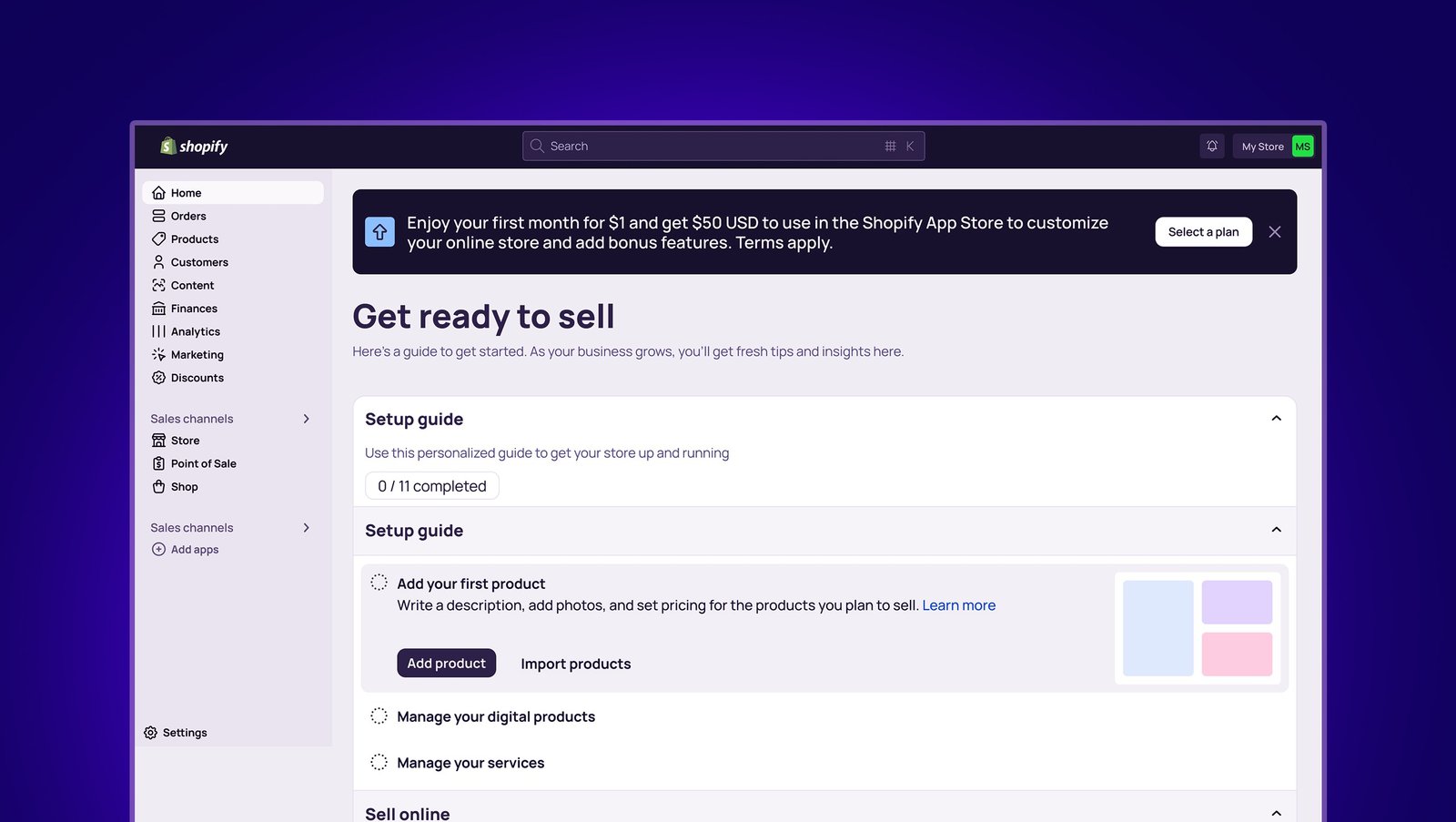
What It Is:
Shopify is a complete, hosted e-commerce solution. Everything you need, hosting, security, shopping cart, payment processing is included in one monthly subscription.
Who Built It:
Founded 2006 in Canada, now powers 4.4M+ online stores globally.
Best For:
– First-time store owners
– Businesses wanting simplicity
– Rapid launch needs
– Non-technical users
– Subscription products
Market Share: ~31% of e-commerce platforms (2026)
WooCommerce: WordPress E-commerce Plugin
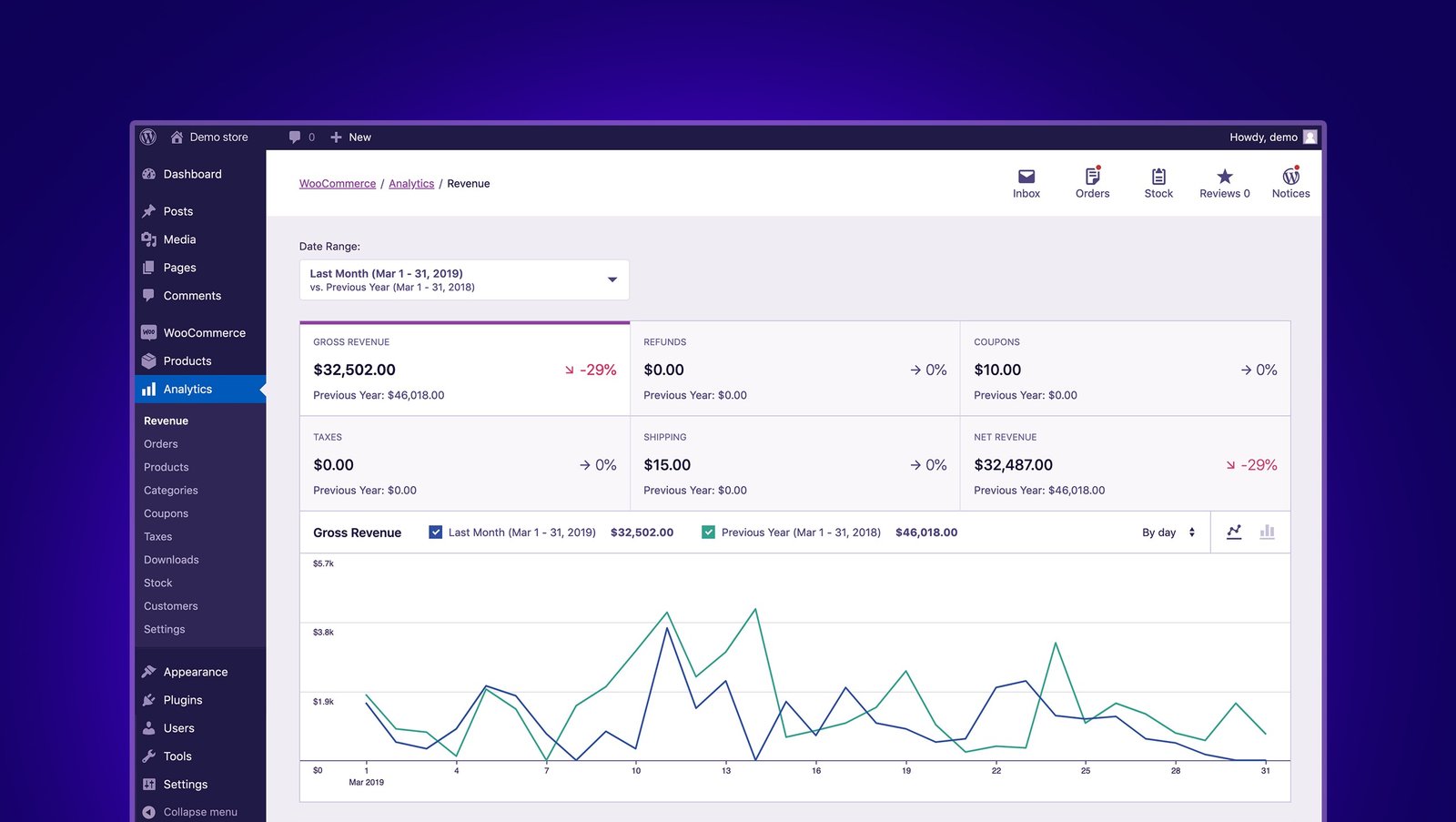
What It Is:
WooCommerce is a free plugin that transforms WordPress websites into full-featured online stores. You maintain complete control but handle your own hosting and setup.
Who Built It:
Launched 2011, acquired by Automattic (WordPress parent company) in 2015. Powers 6.6M+ stores globally.
Best For:
– Existing WordPress users
– Tech-savvy business owners
– Custom requirements
– Budget-conscious merchants
– Content-heavy stores
Market Share: ~36% of e-commerce platforms (2026)
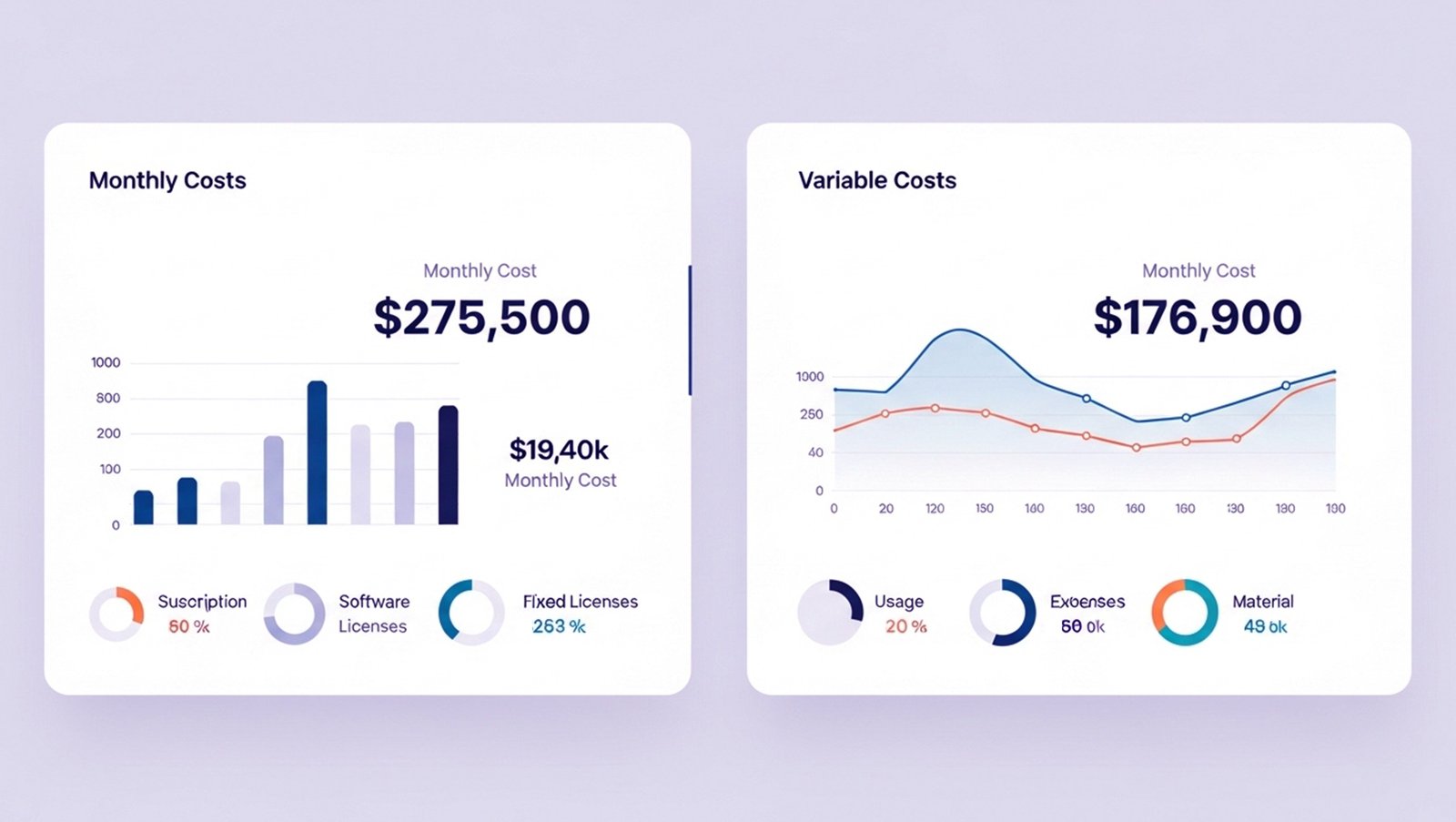
Shopify: Predictable Monthly Costs
Platform Fees:
– Basic: $39/month
– Shopify: $105/month
– Advanced: $399/month
– Shopify Plus: $2,000-$40,000/month (enterprise)
Transaction Fees (if not using Shopify Payments):
– Basic: 2.0% per transaction
– Shopify: 1.0% – Advanced: 0.5%
– Plus: 0.15%
Payment Processing (Shopify Payments):
– In-person: 2.4% + $0
– Online: 2.9% + $0.30
Apps (Essential addons):
– Email marketing: $15-$30/month
– Reviews app: $10-$20/month
– Advanced shipping: $15-$40/month
– Inventory management: $30-$100/month
– Average: $70-$200/month in apps
Total Monthly Cost:
– Basic store: $39 + $70 apps = $109/month ($1,308/year)
– Growing store: $105 + $150 apps = $255/month ($3,060/year)
– Advanced store: $399 + $200 apps = $599/month ($7,188/year)
Setup Costs:
– Theme: $0-$350 (one-time)
– Professional setup/design: $3,000-$50,000
– Product photography: $2,000-$10,000
– Typical total setup: $10,000-$30,000
WooCommerce: Variable but Often Lower Long-Term
Platform Cost: $0 (free plugin)
Required Costs:
– Hosting: $20-$500/month
* Shared: $20-$40/month (starter stores)
* VPS: $80-$200/month (growing stores)
* Managed WooCommerce: $200-$500/month (high-traffic)
– Domain: $15/year
– SSL certificate: $0-$200/year (often free with hosting)
Recommended Plugins:
– Payment gateway: Free-$200/year
– Shipping calculator: $0-$100/year
– SEO: $0-$200/year – Security: $50-$200/year
– Backup: $50-$150/year
– Average: $150-$850/year
Transaction Fees:
– Stripe/PayPal: 2.9% + $0.30 (same as Shopify)
– Direct bank deposit: Variable by country
Total Monthly Cost:
– Basic store: $40 hosting + $12 plugins = $52/month ($624/year)
– Growing store: $150 hosting + $30 plugins = $180/month ($2,160/year)
– Advanced store: $400 hosting + $50 plugins = $450/month ($5,400/year)
Setup Costs:
– Theme: $0-$100
– Professional setup/design: $8,000-$40,000
– Product photography: $2,000-$10,000
– Typical total setup: $15,000-$35,000
5-Year Cost Comparison (100 Products, $50k/month Revenue)
Shopify:
– Year 1: $30,000 setup + $3,060 platform = $33,060
– Years 2-5: $3,060/year × 4 = $12,240
– Total 5 years: $45,300
WooCommerce:
– Year 1: $25,000 setup + $2,160 platform = $27,160
– Years 2-5: $2,160/year × 4 = $8,640
– Total 5 years: $35,800
Winner:
WooCommerce saves $9,500 over 5 years
But cost isn’t everything, read on for functionality differences.
Shopify: 9/10 for Ease
Pros:
✅ Intuitive dashboard (designed for non-technical users)
✅ Drag-and-drop product management
✅ No server management needed
✅ Automatic updates
✅ Built-in hosting
✅ One-click payment setup
✅ Excellent mobile app for on-the-go management
Cons:
❌ Limited customization without coding
❌ Locked into Shopify ecosystem
❌ Some advanced features require expensive apps
Learning Curve: 1-2 days to launch basic store
Time to Launch: 3-7 days (with products ready)
WooCommerce: 6/10 for Ease
Pros:
✅ Familiar WordPress interface (if you’ve used WordPress)
✅ Complete control over everything
✅ Extensive documentation
✅ Huge support community
Cons:
❌ Requires WordPress knowledge
❌ Must manage hosting, security, updates
❌ More moving parts = more can go wrong
❌ Plugin compatibility issues common
❌ Performance optimization required
Learning Curve:
1-2 weeks for beginners, 2-3 days if WordPress-familiar
Time to Launch:
2-4 weeks (with products ready)
Winner: Shopify for ease of use
If you’re non-technical and want to focus on selling (not managing technology), Shopify is substantially easier.
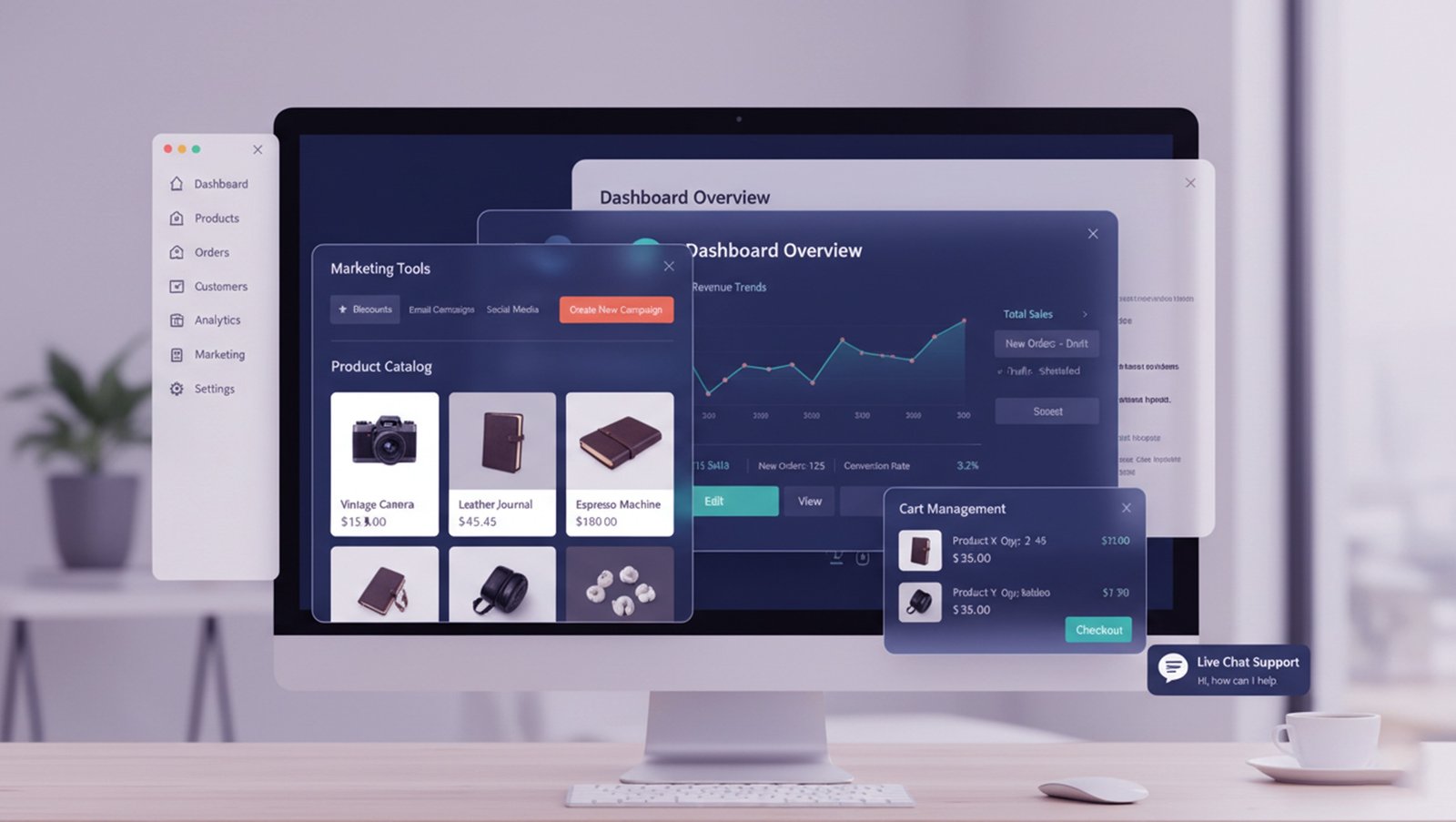
Shopify:
– Unlimited products (all plans)
– Variants: 100 per product
– Bulk import/export:
– Digital products:(requires app)
– Subscriptions: (requires app, $10-$300/month)
– Product reviews: (requires app)
WooCommerce:
– Unlimited products
– Unlimited variants
– Bulk import/export:
– Digital products: (built-in)
– Subscriptions: (extension, $199/year)
– Product reviews: (built-in)
Winner: Tie (both handle product management well)

Shopify:
– Shopify Payments (100+ countries)
– 100+ third-party gateways
– If using third-party: 0.5-2.0% transaction fee
– Buy now, pay later: (Afterpay, Klarna)
– Cryptocurrency: (requires app)
WooCommerce:
– No built-in payment processor
– Requires gateway setup (Stripe, PayPal, etc.)
– No additional transaction fees (beyond gateway fees)
– 100+ payment gateway plugins
– Buy now, pay later: (Afterpay, Affirm)
– Cryptocurrency: (plugins available)
Winner:
Shopify (simpler setup, more options out-of-box)
Shipping
Shopify:
– Calculated shipping rates:
– Print shipping labels:
– Real-time carrier rates:
– Discounted USPS/UPS rates:
– Multi-location inventory: (Shopify plan+)
– Dropshipping: (Oberlo, Spocket apps)
WooCommerce:
– Calculated shipping: (plugins)
– Print shipping labels: (WooCommerce Shipping extension)
– Real-time carrier rates: (requires plugin)
– Shipping discounts: Depends on plugin
– Multi-location: (extension required)
– Dropshipping: (AliDropship, WooDropship plugins)
Winner:
Shopify (built-in features vs requiring plugins)
Inventory Management
Shopify:
– Track inventory:
– Low stock notifications:
– Multi-location: (Shopify plan+)
– Barcode scanning: (POS hardware)
– Advanced inventory: Requires apps ($30-$200/month)
WooCommerce:
– Track inventory:
– Low stock notifications:
– Multi-location: (free plugins)
– Barcode scanning: (plugins + hardware)
– Advanced inventory: Free-$200 plugins
Winner:
Tie (both require additional tools for advanced needs)
Marketing Tools
Shopify:
– Email marketing: Shopify Email (2,500 free emails/month, then $1/1,000)
– Abandoned cart recovery: (Shopify plan+)
– Discount codes:
– Gift cards: (Shopify plan+)
– SEO tools: Basic
– Blog: (basic)
– Social selling: (Facebook, Instagram, TikTok)
– Analytics: (Google Analytics + Shopify reports)
WooCommerce:
– Email marketing: Requires plugin (MailChimp, etc.)
– Abandoned cart: (plugins, $0-$200)
– Discount codes: (built-in)
– Gift cards: (extension, $129)
– SEO tools: Excellent (Yoast, RankMath plugins)
– Blog: (full WordPress blogging)
– Social selling: (plugins)
– Analytics: (Google Analytics + WooCommerce Reports)
Winner:
WooCommerce (superior blogging/content marketing, better SEO tools)
App/Plugin Ecosystem
Shopify:
– 8,000+ apps in Shopify App Store
– Quality control (all apps vetted)
– Average cost: $20-$100/month per app
– Easy one-click installation
– Guaranteed compatibility
WooCommerce:
– 55,000+ WordPress plugins (10,000+ WooCommerce-specific)
– Variable quality (unvetted)
– Average cost: $0-$200/year per plugin
– More manual installation
– Compatibility issues possible
Winner: Depends
– Shopify: Quality + ease
– WooCommerce: Quantity + cost
Shopify Themes
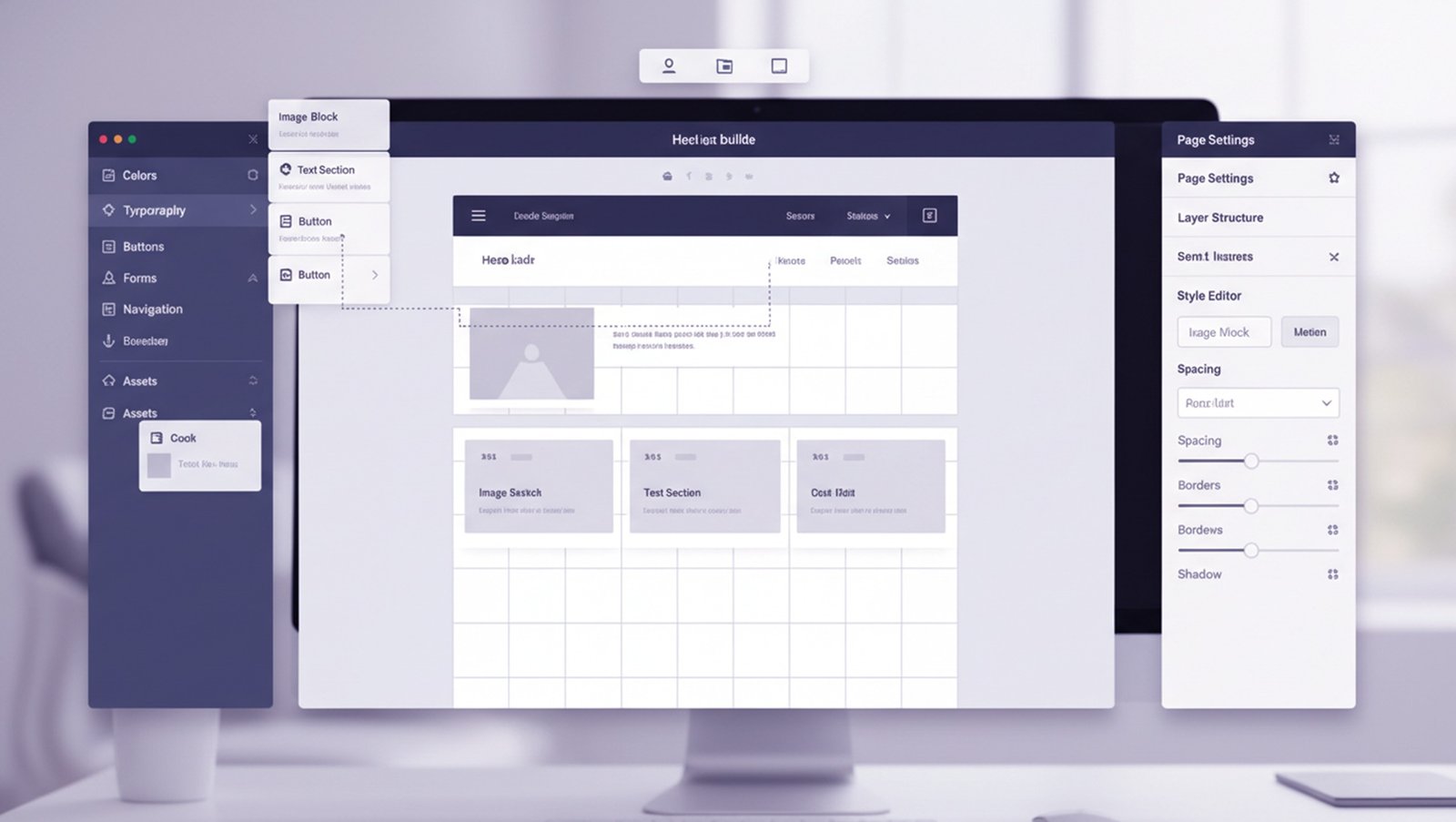
Free Themes: 12 official themes Paid Themes: $180-$350 (one-time) Custom Design: $5,000-$50,000
Customization:
– Theme editor: (drag-and-drop)
– CSS editing: (limited without coding)
– Liquid template language: Requires coding knowledge
– Mobile responsive: (all themes)
Limitations:
– Checkout page: Cannot customize on Basic/Shopify plans
– Theme switching: Can lose customizations
– Locked into Shopify structure
WooCommerce Themes
Free Themes: 1,000+ (WordPress.org) Paid Themes: $30-$100 (one-time) Custom Design: $8,000-$40,000
Customization:
– Page builders: (Elementor, Divi, etc.)
– Complete CSS/PHP access:
– No restrictions on customization
– Mobile responsive: (modern themes)
Advantages:
– Complete design freedom
– Can integrate with any WordPress theme
– Cheaper themes
– Full control over checkout page
Winner:
WooCommerce (unlimited customization, lower theme costs)
Shopify Scalability

Traffic Capacity:
– Basic: 1,000-10,000 visitors/day
– Shopify: 10,000-50,000 visitors/day
– Advanced: 50,000-100,000 visitors/day
– Shopify Plus: 100,000-1M+ visitors/day
Product Limits:
– All plans: Unlimited products
– Variants: 100 per product (sufficient for most)
Multi-Store:
– Requires separate subscriptions for each store
– Shopify Plus: Multi-store management
Performance:
– Hosted infrastructure handles traffic automatically
– CDN included
– No performance optimization needed
Examples:
– Gymshark: $500M+ revenue on Shopify Plus
– Allbirds: Multi-million dollar sales
– Kylie Cosmetics: Handled 1M+ visitors on launch day
WooCommerce Scalability
Traffic Capacity:
– Shared hosting: 1,000-5,000 visitors/day
– VPS: 5,000-50,000 visitors/day
– Managed WooCommerce: 50,000-500,000 visitors/day
– Enterprise: 500,000-5M+ visitors/day
Product Limits:
– Unlimited products
– Unlimited variants
– Database limitations only (can be scaled)
Multi-Store:
– Multisite network (one WordPress install, multiple stores)
– Each store can have separate branding/products
– Cost: Just hosting (no per-store fees)
Performance:
– Requires optimization (caching, CDN, image optimization)
– Can scale infinitely with proper infrastructure
– More hands-on management needed
Examples:
– Porter and York: $20M+ revenue
– All Blacks Shop: New Zealand national rugby team
– Ripley’s Believe It or Not: Global brand
Winner:
Shopify (easier scaling, but WooCommerce can scale higher with proper setup)
Shopify SEO

Pros:
✅ Fast loading (hosted CDN)
✅ Mobile-friendly
✅ SSL included
✅ Auto-generated XML sitemap
✅ Editable meta titles/descriptions
✅ Alt tags for images
✅ Clean URL structure
✅ Blog included
Cons:
❌ Limited URL structure customization
❌ Cannot remove /collections/ or /products/ from URLs
❌ Basic blogging (not as robust as WordPress)
❌ Limited content marketing capabilities
❌ Duplicate content issues (collection pages)
SEO Tools:
– Basic Shopify SEO fields
– Requires apps for advanced SEO ($10-$30/month)
WooCommerce SEO
Pros:
✅ Complete URL control
✅ Superior blogging platform
✅ Yoast/RankMath SEO plugins (free)
✅ Schema markup plugins
✅ Content marketing integration
✅ Flexible category/tag structure
✅ Advanced SEO plugins available
Cons:
❌ Requires performance optimization
❌ Slower out-of-box (needs caching)
❌ More manual SEO setup
SEO Tools:
– Yoast SEO (free)
– RankMath (free)
– Schema Pro ($79/year)
– Advanced custom fields
Winner:
WooCommerce (superior for content marketing and advanced SEO)
If SEO/content marketing is critical to your strategy, WooCommerce provides significantly more control and capabilities.
Shopify Security 
✅ PCI DSS compliant (all plans)
✅ SSL certificate included
✅ Automatic security updates
✅ DDoS protection
✅ Level 1 PCI compliance
✅ Fraud analysis
✅ No maintenance required
Responsibility: Shopify handles all security
Risk Level: Very Low (hosted platform manages everything)
WooCommerce Security
✅ Can be PCI compliant (with proper setup)
✅ SSL certificate (often free with hosting)
⚠️ Manual security updates required
⚠️ Plugin vulnerabilities possible
✅ Security plugins available (free-$200/year)
Responsibility: You handle security (or hire agency)
Risk Level: Medium (requires active management)
Essential Security:
– Regular updates (WordPress, WooCommerce, plugins)
– Security plugin (Wordfence, iThemes Security)
– Regular backups
– Strong passwords
– Two-factor authentication
Winner: Shopify (hands-off security vs manual management)
Shopify Support

Official Support:
– 24/7 phone support
– 24/7 live chat
– Email support
– Help center
– Community forums
– Shopify Academy (free training)
Response Time:
– Phone: Immediate
– Chat: 1-5 minutes
– Email: 1-24 hours
Quality: Excellent (Shopify employees, well-trained)
WooCommerce Support
Official Support:
– Forum support (free, community-driven)
– Documentation
– WooCommerce.com ticket support (if purchased extensions)
– No phone/chat support from WooCommerce
Community:
– Massive WordPress community
– Thousands of tutorials
– Stack Overflow
– Facebook groups
– YouTube channels
Support Sources:
– Hosting provider support
– Theme developer support
– Plugin developer support
– Hire WordPress/WooCommerce developer
Quality: Variable (depends on source)
Winner:
Shopify (dedicated support vs community reliance)
Example 1: Fashion Boutique (Shopify)
Business: Women’s clothing boutique, 300 products
Why Shopify:
– Owner not technical
– Needed to launch quickly
– Wanted Instagram integration
– Planned to use Shopify POS for popup shops
Setup:
– Shopify plan: $105/month
– Apps: $85/month (reviews, email, Instagram)
– Theme: $250 (one-time)
– Professional setup: $12,000
Results (12 months):
– 450 orders/month
– Average order: $95
– Monthly revenue: $42,750
– Time managing store: 10 hours/week
– Satisfaction: 9/10 (loves simplicity, wishes lower fees)
Total Cost Year 1: $14,530
Example 2: Specialty Food Store (WooCommerce)
Business: Gourmet food products, 180 SKUs, strong blog focus
Why WooCommerce:
– Already had WordPress blog with 50,000 monthly visitors
– Wanted seamless blog/store integration
– Needed custom wholesale portal
– Budget-conscious
Setup:
– Hosting: $120/month (managed WooCommerce)
– Plugins: $400/year
– Theme: $79
– Professional development: $22,000
– Wholesale portal: $8,000
Results (12 months):
– 380 orders/month (retail)
– 85 wholesale orders/month
– Average order: $75 retail, $380 wholesale
– Monthly revenue: $28,500 retail + $32,300 wholesale = $60,800
– Time managing: 12 hours/week
– Satisfaction: 10/10 (perfect for their needs)
Total Cost Year 1: $32,319
Revenue
difference: WooCommerce store generates 42% more revenue (though not directly attributable to platform choice)
Example 3: Tech Accessories (Shopify → WooCommerce)
Business: Phone cases, chargers, tech gadgets
Started with Shopify:
– Loved ease of use
– Revenue grew to $80,000/month
– Apps cost ballooned to $450/month
– Shopify fees: $399/month (Advanced plan)
– Total platform cost: $10,188/year
Switched to WooCommerce:
– One-time migration: $15,000
– Hosting: $350/month
– Plugins: $600/year
– Total platform cost: $4,800/year
– Savings: $5,388/year
Why they switched:
– Platform costs too high at scale
– Wanted more customization
– Hired developer (could manage WooCommerce)
Result: Happier with WooCommerce at their scale, but admits Shopify was better when starting out.
Choose Shopify If:

✅ You’re non-technical
✅ You want simplicity over flexibility
✅ You need to launch quickly (days, not weeks)
✅ You sell physical products primarily
✅ You want all-in-one solution
✅ You don’t want to manage hosting/security
✅ You’re okay with monthly costs for ease
✅ You need POS for physical retail
✅ You sell subscriptions (with app)
Perfect for:
– First-time store owners
– Fashion/apparel brands
– Physical product retailers
– Dropshipping businesses
– Solopreneurs
– Fast-growing startups wanting to focus on selling (not tech)
Choose WooCommerce If:
✅ You have (or can hire) technical help
✅ You want complete control
✅ You’re already using WordPress
✅ You need extensive customization
✅ You have tight budget long-term
✅ Content marketing is critical to your strategy
✅ You sell digital products primarily
✅ You need unique features
✅ You want to avoid vendor lock-in
Perfect for:
– WordPress users
– Content-heavy businesses
– Budget-conscious merchants (long-term)
– B2B/wholesale
– Digital product sellers
– Businesses with custom requirements
– Agencies managing multiple stores
Platform Comparison Summary
Factor | Shopify | WooCommerce | Winner |
Ease of Use | 9/10 | 6/10 | Shopify |
Setup Time | 3-7 days | 2-4 weeks | Shopify |
Cost (Year 1) | $3,000-$10,000 | $2,000-$8,000 | WooCommerce |
Cost (5 Years) | $15,000-$45,000 | $10,000-$35,000 | WooCommerce |
Customization | Limited | Unlimited | WooCommerce |
SEO | Good | Excellent | WooCommerce |
Blogging | Basic | Advanced | WooCommerce |
Security | Automatic | Manual | Shopify |
Support | Excellent | Community | Shopify |
Scalability | Excellent | Good-Excellent | Shopify |
Apps/Plugins | 8,000 | 55,000+ | WooCommerce |
Transaction Fees | Yes (if not Shopify Payments) | No | WooCommerce |
Best For | Beginners, simplicity | Control, flexibility | Depends |