

Most small business websites cost between $3,000 and $8,000 in 2026, while ecommerce stores typically range from $5,000 to $20,000. Custom enterprise web applications can cost $50,000 or more depending on complexity, integrations, and ongoing support requirements.
If you’re researching web design costs, you’ve probably found pricing that ranges from $500 to $500,000+ with no clear explanation why. As a agency that’s completed over 500 projects across industries and budgets, we’re sharing exactly what you’ll pay, and why.
Quick Answer: How Much Does Web Design Cost?
Average web design costs in 2026:
- Small business website: $5,000 – $15,000
- Professional business website: $15,000 – $35,000
- E-commerce store: $20,000 – $75,000
- Enterprise/Custom application: $50,000 – $300,000+
Want an instant estimate for your specific project? Use our free web design cost calculator, answer 4 questions and get a personalized price range in under 60 seconds. [ Calculate My Web Design Cost ] Ready to get an exact quote for your project? Request a free project estimate
These ranges reflect actual project costs from our 500+ completed websites. Your specific cost depends on factors we’ll explore below.
Understanding what drives pricing helps you budget accurately and avoid surprises.
Need a real project number?
Website cost depends on scope, platform, integrations, number of templates, e-commerce requirements and the level of custom development involved. If you have a project in mind, send us the requirements and we will recommend the right build level and provide a fixed-price scope.
Get My Website Project Estimate →
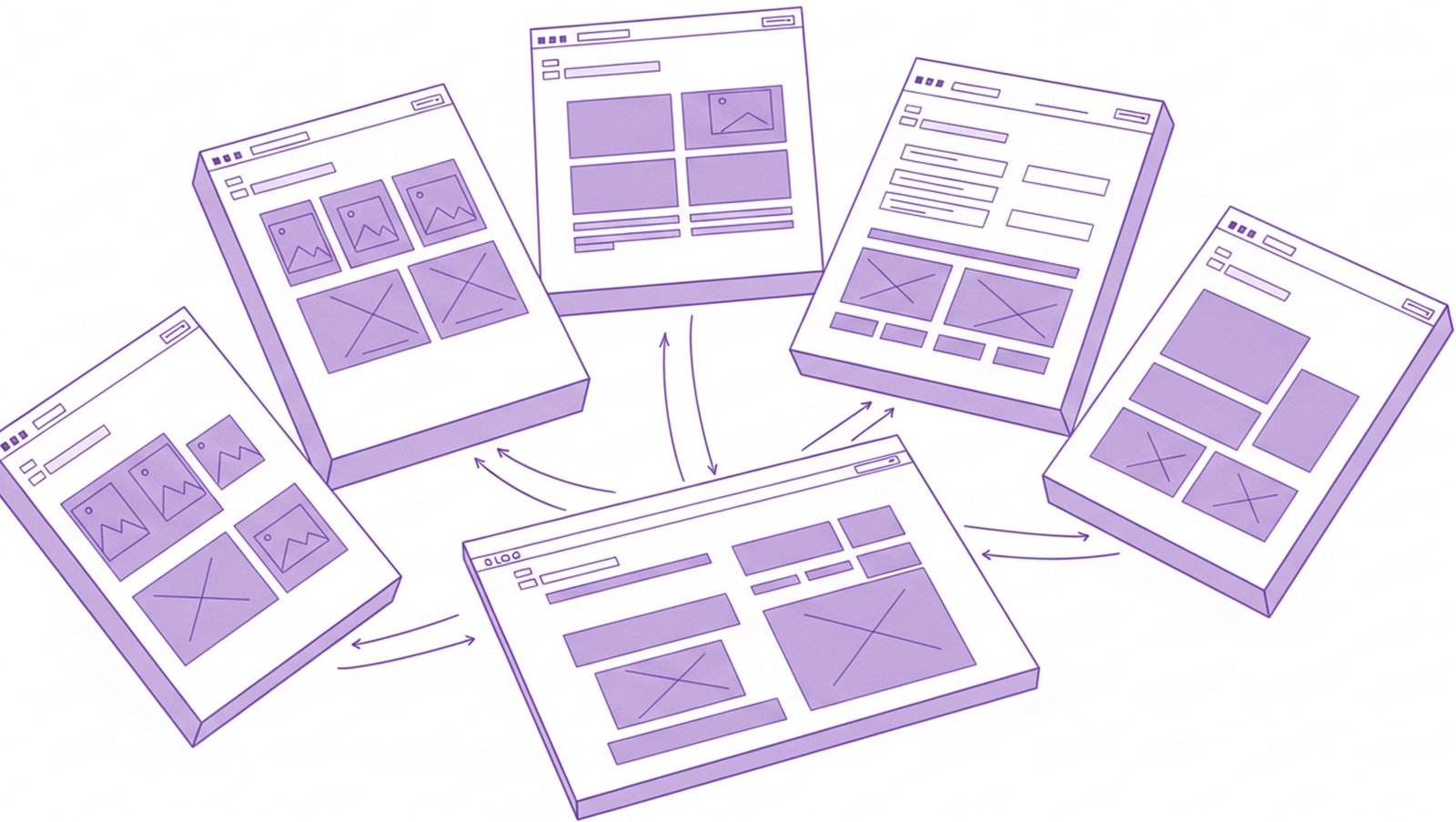
1. Number of Pages
Cost
Impact: $200-$800 per page
Why It Matters:
Each page requires design, development, content integration, and testing. A 5-page website costs dramatically less than a 50-page site.
Typical Page Counts: – Small business (5-10 pages): Home, About, Services, Portfolio/Gallery, Contact – Professional (10-20 pages): Above + individual service pages, team members, case studies, resources – Enterprise (20-50+ pages): Above + product pages, documentation, multiple locations, departments
Pro Tip: Start with core pages. You can always add more later at $500-$1,500 per page.
2. Design Complexity
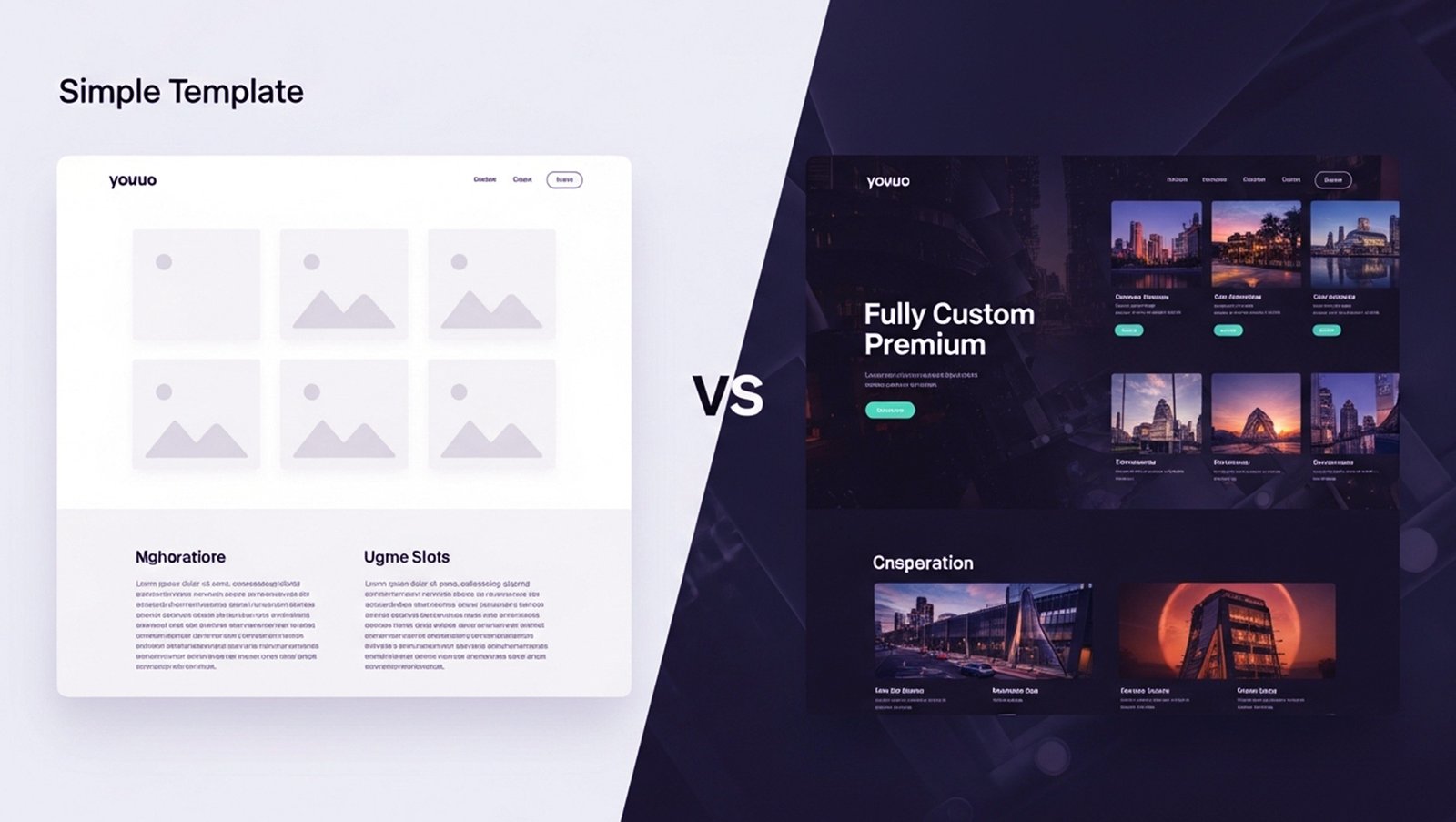
Cost Impact: Adds 30-100% to base price
Template-Based Design ($5,000-$10,000): – Pre-made theme customized with your colors/content – Limited custom elements – Faster turnaround (4-6 weeks) – Best for: Startups, small businesses, tight budgets
Semi-Custom Design ($10,000-$30,000): – Custom homepage + template inner pages – Branded design elements – Moderate customization – Timeline: 8-12 weeks – Best for: Growing businesses, professional services
Fully Custom Design ($30,000-$100,000+): – Every element designed specifically for your brand – Unique user experience – Custom animations and interactions – Timeline: 12-20+ weeks – Best for: Competitive industries, established brands
Example:
Two identical 10-page websites for accounting firms: – Template-based: $8,000 (6 weeks) – Fully custom: $28,000 (14 weeks)
Both function perfectly. The custom version provides competitive differentiation, stronger brand presence, and higher conversion rates, but costs 3.5x more.
3. Functionality & Features
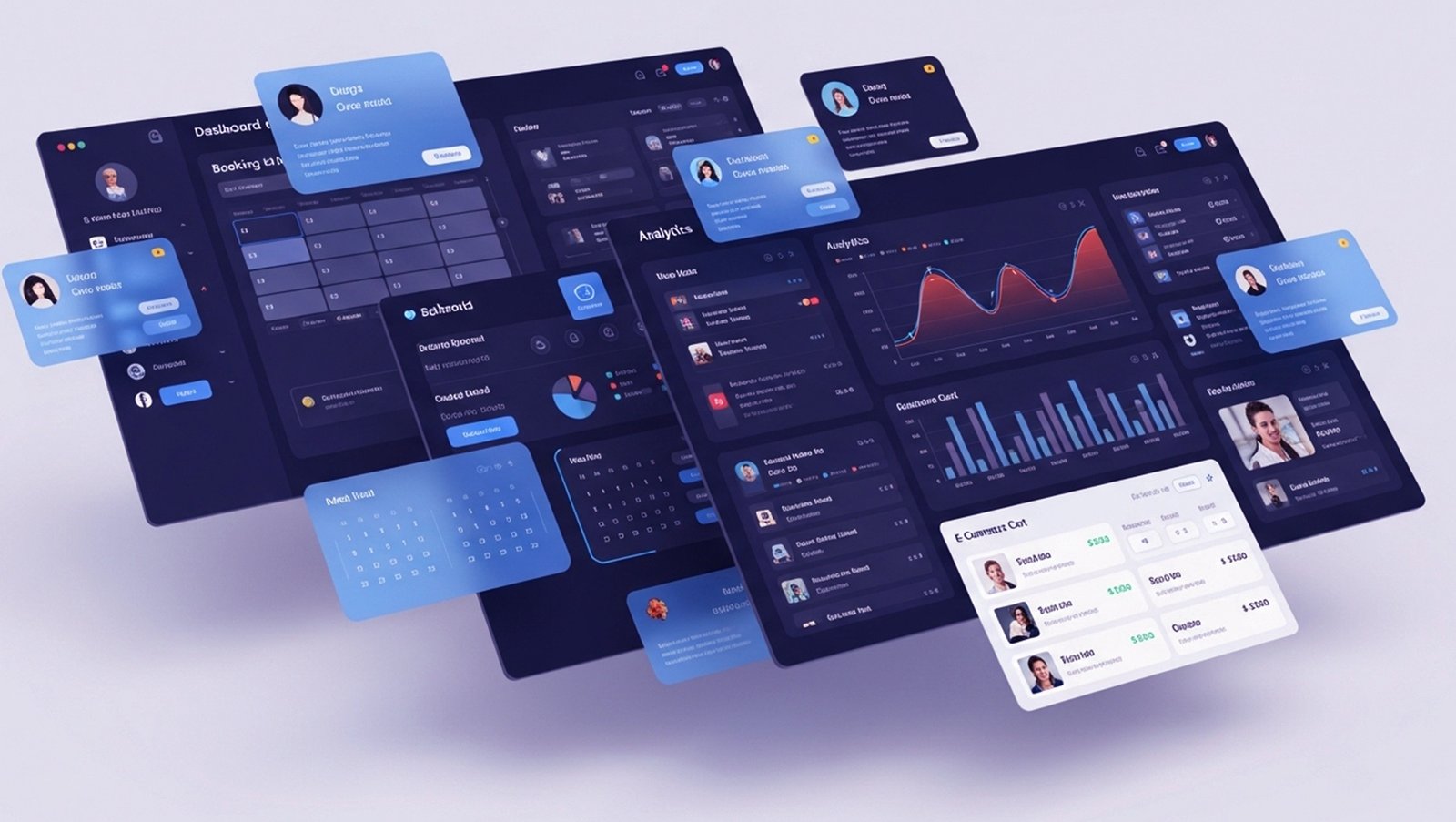
Cost Impact: $500-$50,000+ depending on complexity
Basic Features (Included in most projects):
– Contact forms
– Image galleries
– Basic SEO
– Mobile responsiveness
– Google Analytics integration
Intermediate Features ($2,000-$8,000 each):
– Blog with categories/tags
– Newsletter signup integration
– Event calendar
– Appointment booking
– Multi-language support
– Member login area
– Video integration
– Live chat
Advanced Features ($8,000-$50,000+ each):
– E-commerce (product catalog, shopping cart, checkout)
– Custom database applications
– API integrations (CRM, ERP, third-party services)
– User dashboards and portals
– Booking/reservation systems with payment – Learning management systems (LMS)
– Interactive tools and calculators
– Real-time data visualization
Real Example:
Healthcare clinic website:
Base site: $15,000 (informational pages, provider bios)
+ Online booking: $8,000 (integration with practice management software)
+ Patient portal: $12,000 (secure login, records access, messaging)
Total: $35,000
4. Technology Stack

Cost Impact: Platform choice affects both upfront and ongoing costs
WordPress ($8,000-$50,000):
– Best for: Blogs, small-medium businesses, content-heavy sites
– Pros: Huge plugin ecosystem, easy content updates, cost-effective
– Cons: Requires ongoing maintenance, security vulnerabilities if not maintained
– Typical cost: $12,000-$25,000 for professional site
Shopify ($15,000-$75,000):
– Best for: E-commerce, online stores, subscription products
– Pros: Built for selling, secure checkout, inventory management
– Cons: Monthly fees ($29-$299+), transaction fees, limited customization – Typical cost: $20,000-$40,000 for custom Shopify store
Jamstack (Next.js, Gatsby) ($25,000-$100,000):
– Best for: High-traffic sites, performance-critical applications, modern brands
– Pros: Lightning-fast, highly secure, scalable, modern developer experience
– Cons: Higher upfront cost, fewer agencies with expertise, more complex content management
– Typical cost: $35,000-$75,000 for professional site
Custom Application (React/Django/Laravel) ($50,000-$300,000+): – Best for: SaaS products, complex business logic, unique requirements
– Pros: Complete control, unlimited customization, proprietary features
– Cons: Expensive, long development timeline, requires ongoing maintenance
– Typical cost: $80,000-$200,000 for medium complexity
Cost Comparison Example (10-page business website):
– WordPress template: $8,000
– WordPress custom: $18,000
– Shopify (e-commerce): $25,000
– Jamstack custom: $35,000
– React/Node custom app: $60,000+
5. Content Creation

Cost Impact: $3,000-$20,000 additional
Most web design quotes assume you’re providing content (text, images, videos). If you need the agency to create it:
Copywriting ($3,000-$15,000):
– Basic: $150-$300 per page (500-800 words)
– Professional: $400-$800 per page (research, SEO optimization)
– Expert: $1,000-$2,000 per page (industry specialists, thought leadership)
– 10-page site professionally written: $5,000-$8,000
Photography ($2,000-$10,000):
– Stock photos: Free-$500 (limited uniqueness)
– Semi-custom: $1,500-$3,000 (photographer for half-day, 20-40 edited images)
– Full custom: $5,000-$10,000 (full-day shoot, product photography, team photos, lifestyle shots)
Video Production ($5,000-$50,000):
– Basic: $5,000-$10,000 (single promotional video, 60-90 seconds)
– Professional: $15,000-$30,000 (multiple videos, animations, interviews)
– Broadcast quality: $40,000-$100,000+ (commercial-grade production)
Total Content Creation Package Example:
– Copywriting (10 pages): $6,000
– Photography (half-day): $2,500
– Promotional video: $8,000
– Total: $16,500 (on top of design/development)
6. Location & Agency Type

Cost Impact: Where you hire affects rates significantly
Freelancer ($3,000-$15,000): – Pros: Lowest cost, direct communication, flexible – Cons: Single point of failure, limited bandwidth, may lack specialized skills – Best for: Very small projects, tight budgets
Small Agency ($10,000-$50,000): – Pros: Team approach, reasonable rates, personal attention – Cons: Limited capacity, may outsource specialized work – Best for: Small-medium businesses
Large Agency ($50,000-$200,000+): – Pros: Full service, proven processes, extensive portfolio – Cons: Expensive, can be impersonal, slower decision-making – Best for: Established companies, complex projects
Geographic Pricing (10-page custom website): – Offshore (India, Philippines): $3,000-$8,000 – Eastern Europe: $8,000-$15,000 – US Small Cities: $12,000-$25,000
Los Angeles web design: $20,000-$40,000 – San Francisco/New York: $30,000-$60,000
Quality Considerations:
Offshore can be cost-effective for simple sites, but communication barriers, time zones, and quality control add hidden costs. For business-critical projects, local agencies provide better outcomes despite higher upfront costs.
7. Timeline & Rush Fees

Cost Impact: 20-50% premium for expedited delivery
Standard Timeline: – Small site (5-10 pages): 6-8 weeks – Professional site (10-20 pages): 8-12 weeks – E-commerce (50+ products): 12-16 weeks – Custom application: 16-24+ weeks
Rushed Timeline (+20-50% cost): – Need launch in 4 weeks instead of 8? – Agency must reallocate resources, work overtime, delay other projects – Expect 20-30% rush fee minimum
Example: – Standard 10-page site: $20,000 (10 weeks) – Same site in 5 weeks: $26,000 (30% rush fee)
Pro Tip: Start early. Rushed projects often have more issues and cost more to fix post-launch.
8. Ongoing Maintenance & Support

Cost Impact: $500-$3,000+ per month
Web design isn’t one-and-done. Websites require ongoing maintenance:
Basic Maintenance ($500-$1,000/month): – WordPress/plugin updates – Security monitoring – Backups – Uptime monitoring – Emergency support
Professional Maintenance ($1,000-$2,000/month): – Above + content updates – Performance optimization – SEO services – Monthly reporting – Priority support
Comprehensive ($2,000-$5,000/month): – Above + strategy consulting – A/B testing – Conversion optimization – Marketing integration – Dedicated account manager
DIY vs Agency: – DIY: $200-$500/month (hosting, tools, your time) – Agency: $500-$5,000/month (professional management)
Many businesses start DIY and switch to agency as they grow and value their time more.
Let’s break down real-world pricing for different business types.
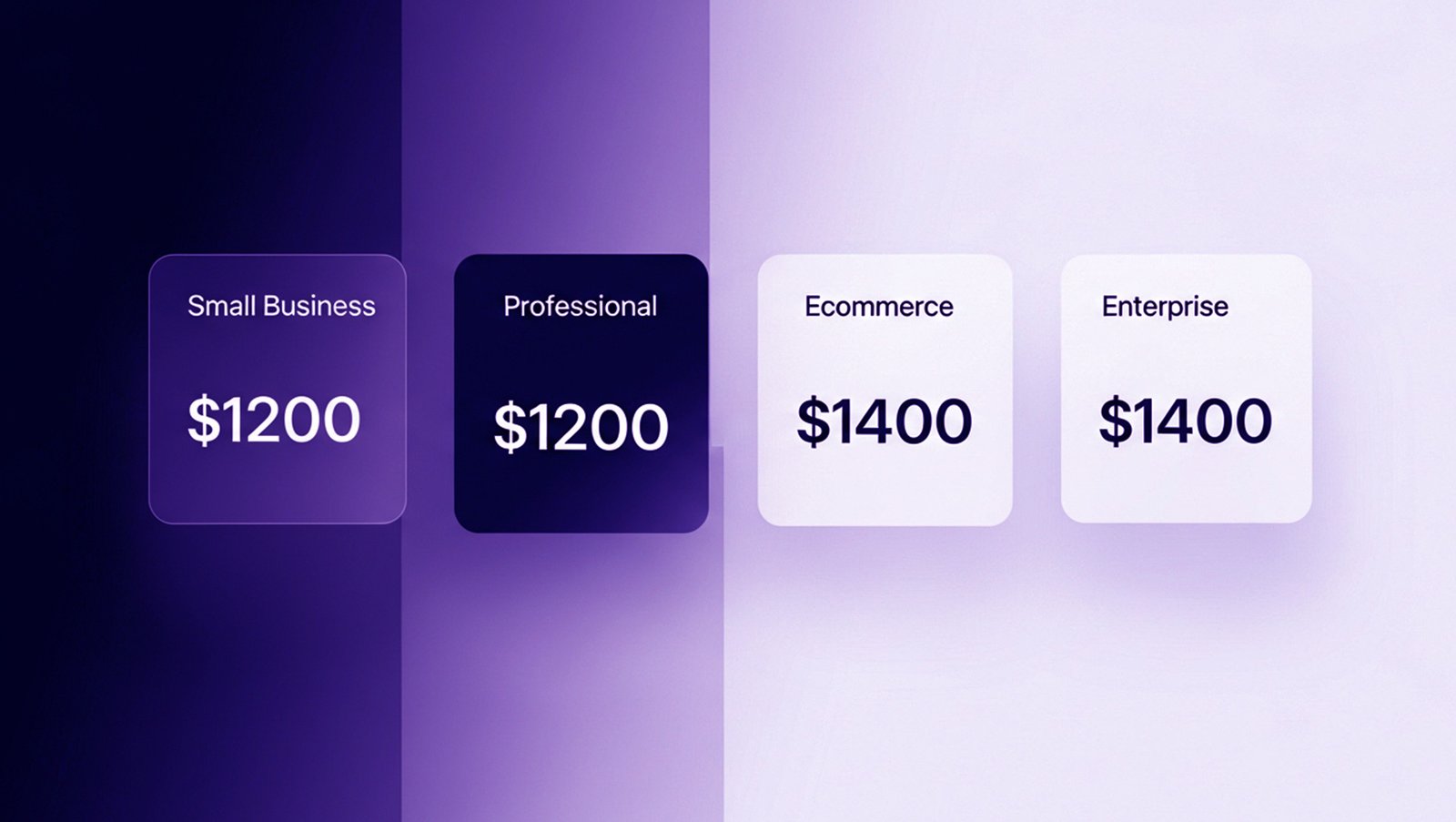
Startup / Small Business ($5,000 – $15,000)
What You Get: – 5-10 pages – Template-based design with light customization – Basic WordPress or similar CMS – Contact form, Google Analytics – Mobile responsive – Basic SEO setup
Includes: – Design customization – Content integration (you provide content) – 2-3 revision rounds – 30-day post-launch support
Timeline: 4-8 weeks
Best For: – New businesses – Service providers – Consultants – Local businesses – Simple online presence needs
Real Example: – Client: Boutique accounting firm (3 CPAs) – Pages: 7 (Home, About, Services, Team, Resources, Blog, Contact) – Features: Contact form, newsletter signup, blog – Cost: $9,500 – Result: 40 qualified leads in first 90 days
Professional Business ($15,000 – $35,000)
What You Get: – 10-20 pages – Semi-custom or fully custom design – WordPress or modern framework – Advanced features (appointment booking, client portals, etc.) – Professional copywriting for key pages – SEO optimization – Performance optimization
Includes: – Custom design mockups – Strategic planning session – Content strategy – 3-4 revision rounds – 60-day post-launch support – Training
Timeline: 8-14 weeks
Best For: – Established businesses – Professional services (legal, medical, financial) – Companies with competitors – Brand-conscious organizations
Real Example: – Client: Law firm (12 attorneys, 5 practice areas) – Pages: 18 (Home, About, 5 practice areas with subpages, attorney bios, case results, resources, blog, contact) – Features: Case study database, attorney filtering, secure client portal, blog – Cost: $28,000 – Result: 180% increase in qualified leads, higher-value cases
E-commerce / Online Store ($20,000 – $75,000)
What You Get: – Product catalog (50-500+ products) – Shopping cart and secure checkout – Payment gateway integration – Inventory management – Order management system – Customer accounts – Product search and filtering – Shipping calculator – Tax calculation – Email automation
Includes: – E-commerce platform setup (Shopify, WooCommerce, etc.) – Product data migration – Payment processor integration – Shipping integration – Custom design – Mobile optimization – Conversion optimization – 90-day post-launch support
Timeline: 10-20 weeks
Additional Costs: – Product photography: $3,000-$10,000 – Copywriting (product descriptions): $2,000-$8,000 – Monthly platform fees: $29-$299+
Best For: – Retail businesses going online – Wholesale companies adding B2C – Direct-to-consumer brands – Subscription box services
Real Example: – Client: Specialty food retailer – Products: 180 SKUs – Platform: Shopify Plus – Features: Subscription products, wholesale portal, blog, recipe database – Cost: $52,000 (design/development) + $8,000 (photography) – Result: $40,000/month online sales within 6 months
Enterprise / Custom Application ($50,000 – $300,000+)
What You Get: – Unlimited pages – Completely custom design and functionality – Advanced features and integrations – Multi-user systems – Custom APIs – Enterprise-grade security – Scalable architecture – Dedicated project team
Includes: – Discovery and research phase – User experience testing – Custom application development – Third-party integrations (CRM, ERP, etc.) – Advanced analytics – Load testing and optimization – White-glove support – 1-year warranty
Timeline: 16-40+ weeks
Best For: – Large corporations – SaaS products – Complex business logic – High-traffic applications – Mission-critical systems
Real Example: – Client: Healthcare network (8 locations) – Scope: Patient portal, appointment scheduling, telemedicine, electronic health records integration – Technology: React frontend, Django backend, PostgreSQL database – Cost: $180,000 – Timeline: 28 weeks – Result: 12,000 registered patients, 40% reduction in phone calls, improved patient satisfaction
Choosing the right platform dramatically affects both cost and capabilities.
Upfront Cost: $8,000 – $50,000
Monthly Cost: $50 – $500 (hosting, plugins, maintenance)
Pros: – Huge ecosystem (60,000+ plugins) – Easy content management – Cost-effective – Great for blogs and content-heavy sites – Most developers know it
Cons: – Requires regular updates/maintenance – Security vulnerabilities if neglected – Performance can degrade with too many plugins – Plugin compatibility issues
Best For: – Blogs and content sites – Small-medium businesses – Budget-conscious projects – Sites needing frequent content updates
Upfront Cost: $15,000 – $75,000
Monthly Cost: $29 – $299+ platform + apps
Pros: – Built specifically for e-commerce – Hosted solution (no separate hosting needed) – Secure checkout included – Easy inventory management – Excellent app ecosystem – Built-in payment processing
Cons: – Monthly platform fees – Transaction fees (if not using Shopify Payments) – Limited customization compared to custom solutions – Vendor lock-in
Best For: – E-commerce stores – Subscription products – Physical products – Businesses wanting all-in-one solution
Custom (Jamstack, React, etc.)
Upfront Cost: $30,000 – $300,000+
Monthly Cost: $200 – $2,000+ (hosting, monitoring, maintenance)
Pros: – Complete control – Unlimited customization – Superior performance – Modern development practices – Proprietary competitive advantage – Scalability
Cons: – Higher upfront cost – Longer development time – Requires specialized developers – More complex maintenance
Best For: – Unique requirements – High-traffic sites – Performance-critical applications – Competitive differentiation – SaaS products
Budget for these often-overlooked expenses:
1. Domain Name ($15-$500/year)
Standard .com: $15-$20/year
Premium domains: $500-$50,000+ one-time
Your domain is your online address. Budget $15-$20 annually for standard domains.
2. Web Hosting ($100-$5,000+/year)
Shared hosting: $100-$200/year (basic sites, low traffic)
VPS/Cloud: $500-$2,000/year (growing sites)
Dedicated server: $2,000-$10,000/year (high traffic)
Enterprise: $10,000+/year (mission-critical)
3. SSL Certificate ($0-$200/year)
Free (Let’s Encrypt): $0
Standard SSL: $50-$150/year
EV SSL (green bar): $150-$500/year
Most modern hosts include free SSL. If not, budget $0-$200 annually.
4. Email Hosting ($60-$300/year)
Google Workspace: $72-$216/year per user
Microsoft 365: $60-$240/year per user
Professional email (yourname@yourbusiness.com) is essential. Budget $5-$20/month per employee.
5. Payment Processing Fees (2.9% + $0.30 per transaction)
E-commerce sites pay 2.9% + $0.30 per transaction typically.
Example:
$50,000/month sales = ~$1,500/month in fees
6. Software & Plugins ($200-$2,000/year)
Premium plugins and tools add up: – SEO tool: $100-$500/year – Email marketing: $300-$1,000/year – Analytics: Free-$500/year – Security: $100-$300/year
7. Content Updates ($500-$2,000/month)
Post-launch, you’ll need updates: – New blog posts – Service page updates – Product additions – News and announcements
Options: – DIY: Free (your time) – Part-time staff: $2,000-$4,000/month – Agency retainer: $1,000-$3,000/month
8. Marketing & SEO ($2,000-$10,000/month)
A beautiful website doesn’t guarantee traffic. Budget for: – SEO: $2,000-$8,000/month – Paid ads: $1,000-$10,000/month – Social media: $1,000-$5,000/month – Content creation: $2,000-$8,000/month
Total First-Year Cost Example:
Website: $25,000
Domain: $20
Hosting: $600
Email (3 users): $216
Plugins/tools: $800
SSL: $0 (included)
Maintenance: $12,000 ($1,000/month)
SEO/Marketing: $36,000 ($3,000/month)
Content updates: $12,000 ($1,000/month)
Total First Year: $86,636
Ready to get an exact quote for your project? Request a free project estimate
Smart ways to reduce costs without compromising results:

1. Start with Core Pages, Add More Later
Instead of: 20-page site at $30,000
Do: 8-page MVP at $15,000, add pages over 6 months at $800 each
Launch faster, test what works, expand based on actual user behavior.
2. Provide Your Own Content
Typical savings: $5,000-$15,000
Write your own copy, use iPhone photos initially, update with professional assets as budget allows.
3. Choose the Right Platform
WordPress instead of custom: Save $10,000-$50,000 upfront
For many businesses, WordPress provides 90% of functionality at 40% of custom development cost.
4. Template First, Customize Later
Start with template: $8,000
Add custom elements over time: $2,000-$5,000 as budget allows
Start with a quality template, customize homepage and key pages, upgrade gradually.
5. DIY Maintenance Initially
Savings: $6,000-$12,000/year
Learn basic WordPress updates, backups, and security. Hire agency when revenue justifies it.
6. Hire During Slow Season
Agencies often offer 10-20% discounts December-February when demand is lower.
7. Bundle Services
Website + SEO + Logo: Often 15-25% cheaper than purchasing separately
[LINK: logo design services | /logo-designing-and-branding]
8. Pay Upfront
Many agencies offer 5-10% discount for full payment upfront (vs payment plan).
False Economies (Don’t Do These):
❌ Hiring cheapest offshore developer – Often costs more to fix than hiring quality initially
❌ Skipping mobile optimization – 70% of traffic is mobile
❌ No SSL certificate – Google ranks non-secure sites lower
❌ Cheap shared hosting – Slow sites lose 40% of visitors
❌ DIY design with no experience – Unprofessional site hurts credibility more than no site
Let’s talk return on investment with real numbers.

Example 1: Professional Services Firm
Investment: – Website: $28,000 – SEO (6 months): $18,000 – Total: $46,000
Results (6 months): – 180 qualified leads – 18 new clients (10% close rate) – Average client value: $8,000 – Revenue: $144,000
ROI: 213% (for $46,000 investment, generated $144,000)
Example 2: E-commerce Store
Investment: – Website: $52,000 – Photography: $8,000 – Marketing (3 months): $15,000 – Total: $75,000
Results (6 months): – 2,400 orders – Average order: $85 – Revenue: $204,000 – Profit (30% margin): $61,200
ROI: -18% first 6 months, +140% by month 12
E-commerce takes longer to profit but compounds over time.
Example 3: SaaS Startup
Investment: – Custom application: $180,000 – Marketing/sales (6 months): $90,000 – Total: $270,000
Results (12 months): – 850 paying customers – $99/month average – Monthly recurring revenue: $84,150 – Annual run rate: $1,009,800
ROI: Breakeven at month 4, 274% by month 12
The Formula:
ROI = (Revenue Generated – Investment Cost) / Investment Cost × 100
Break-even timeline: – Simple business site: 2-6 months – E-commerce: 6-12 months – Custom application: 6-18 months – Enterprise system: 12-24 months
The cheapest website isn’t the one that costs the least upfront—it’s the one that generates the most revenue per dollar spent.
Let’s examine actual projects and their costs.
Project 1: Healthcare Clinic
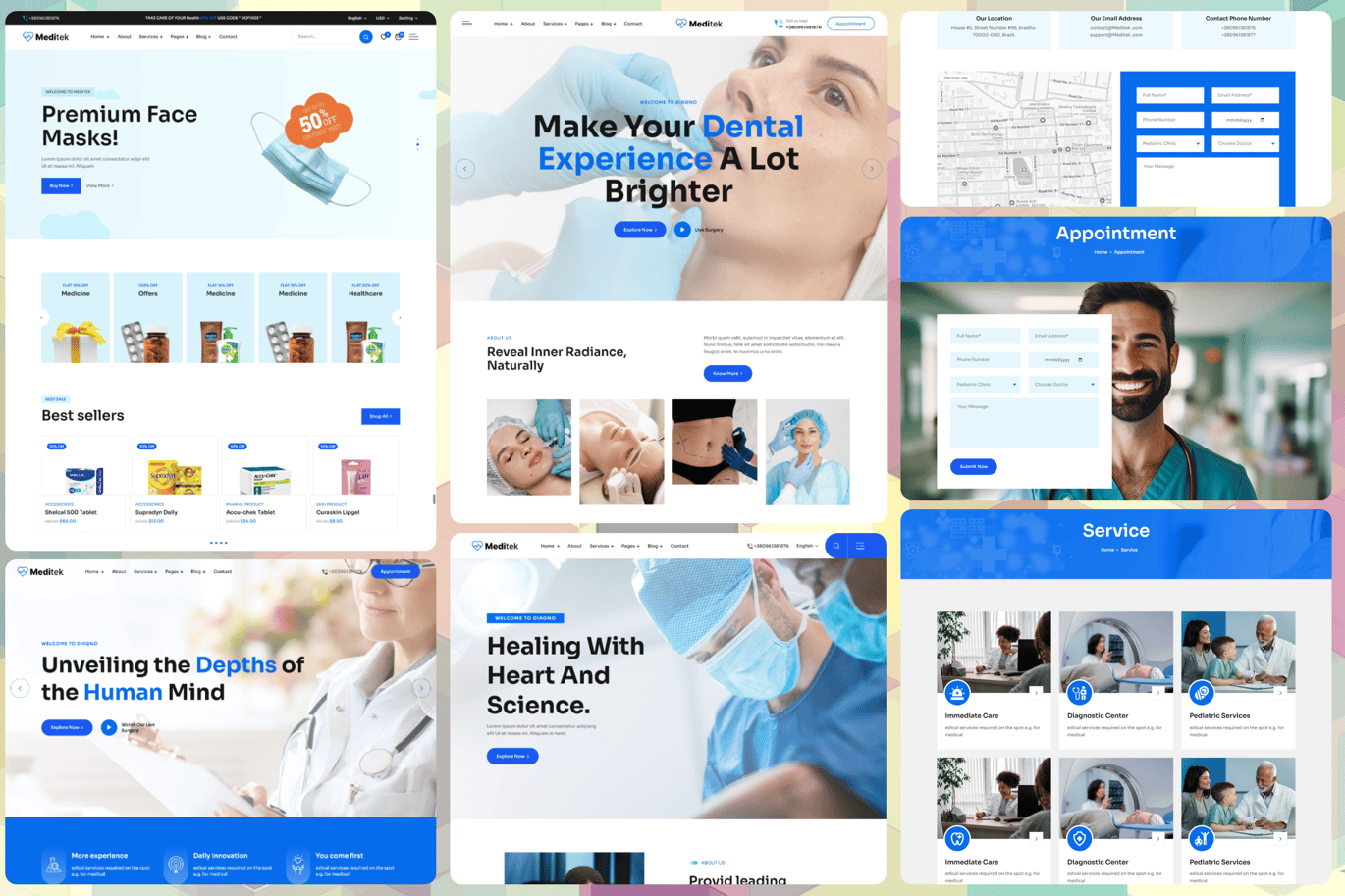
Business Type: Multi-practitioner healthcare clinic
Challenge: Difficulty booking appointments, patients calling for basic info
Solution: – 15-page WordPress website – Online appointment booking integrated with practice management software – Patient portal (secure login, forms, records) – Provider profiles with specializations – Service descriptions with pricing transparency – HIPAA-compliant security
Cost Breakdown: – Design & development: $22,000 – Practice management integration: $8,000 – Patient portal development: $12,000 – Total: $42,000
Results (90 days): – 180 online appointment bookings/month – 40% reduction in phone calls – New patient registrations +65% – Mid-week appointments filled: 60% → 89% – ROI: Equivalent to 1 FTE in time savings (~$30k/year)
Project 2: Manufacturing Company
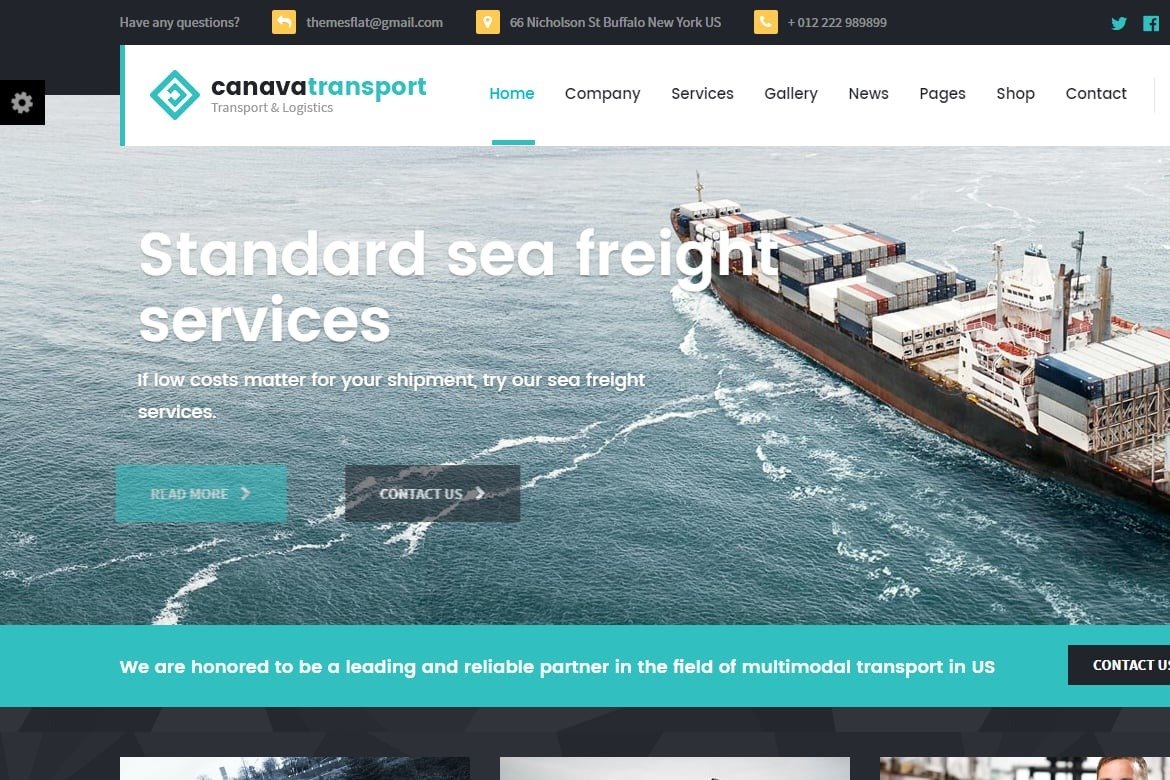
Business Type: B2B manufacturer (industrial parts)
Challenge: Sales team spent hours answering technical questions, sending PDFs, processing quote requests manually
Solution:
– 30-page custom web design and development
– Product catalog with 400+ items
– Technical specification database
– Interactive quote request system
– Dealer portal (login-protected pricing, ordering)
– CAD file downloads – Case studies by industry
Cost Breakdown:
– Design & development: $45,000
– Product data migration: $8,000 – Dealer portal: $15,000
– Total: $68,000
Results (6 months):
– Quote requests: 12/month → 85/month
– Sales cycle: 45 days → 28 days (faster technical info access)
– Sales team time on basic questions:
-60%
– New customers from organic search: 40% increase
– Annual revenue impact: +$1.2M
ROI: 1,664% (first year)
Project 3: Restaurant Group
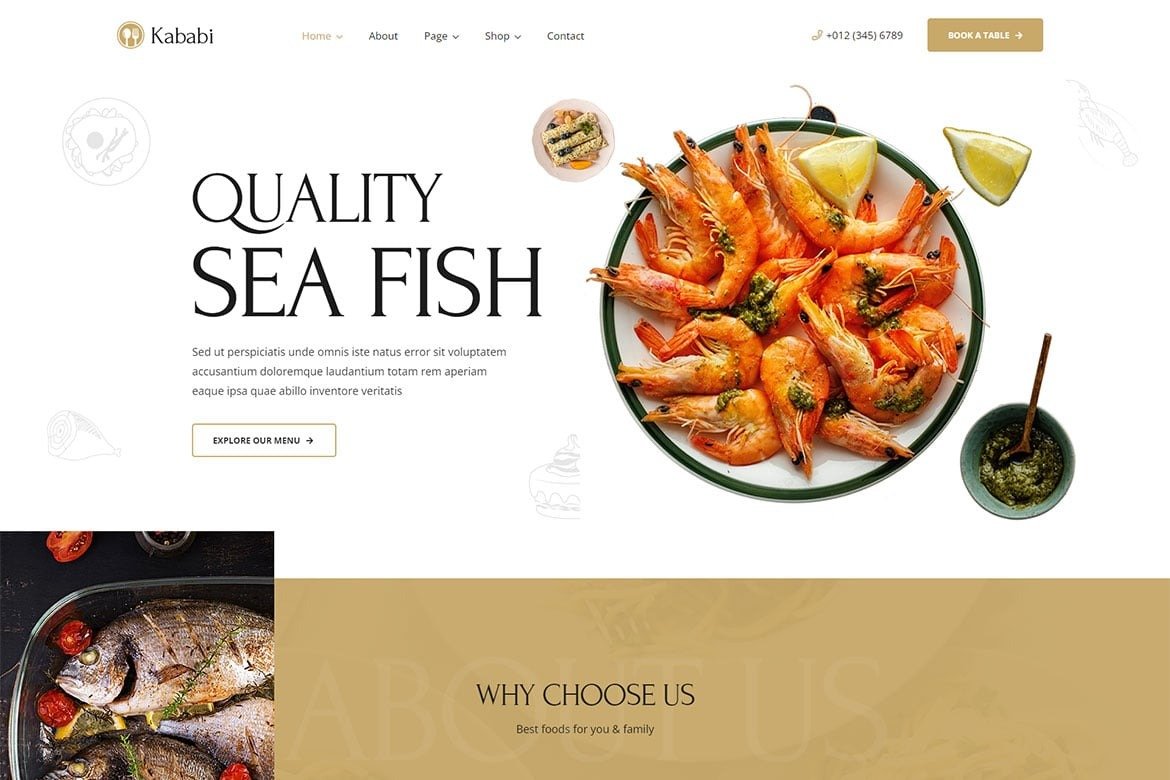
Business Type: 3 upscale restaurants
Challenge: Each location had separate outdated websites, no online ordering, losing customers to competitors with better online presence
Solution: – Single website showcasing all 3 locations – Location-specific pages with menus, hours, directions – Online ordering integration (DoorDash, Uber Eats) – Reservation system (OpenTable integration) – Private event inquiry forms – Blog featuring chef interviews, recipes, wine pairings – Photo gallery of dishes and venues
Cost Breakdown: – Design & development: $32,000 – Professional photography: $6,000 – Menu integration & updates: $4,000 – Total: $42,000
Results (4 months): – Online reservations: 0 → 450/month – Private event inquiries: 3/month → 28/month – Average private event revenue: $8,000 – Organic search traffic: +340% – Revenue impact: $224,000/year from private events alone
ROI: 433% (first year)
Project 4: Financial Advisory Firm
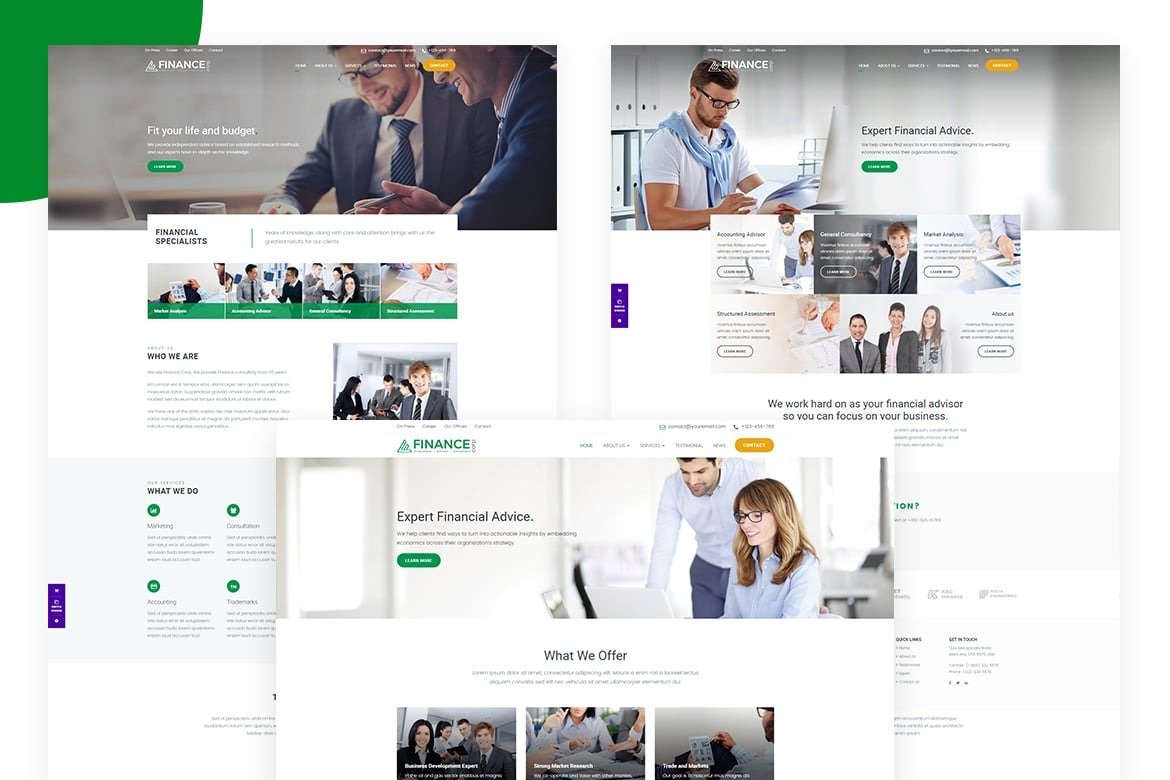
Business Type: Independent financial advisors (5 advisors, $200M AUM)
Challenge: Sophisticated clientele expected sophisticated online presence. Old site looked dated and unprofessional.
Solution: – Fully custom design (luxury branding) – 18 pages (service descriptions, team bios, insights, resources) – Secure client portal – Monthly market commentary blog – Resource library (guides, calculators, videos) – Webinar registration system – Newsletter signup
Cost Breakdown: – Custom design & branding: $28,000 – Development: $22,000 – Client portal: $15,000 – Content strategy & writing: $8,000 – Total: $73,000
Results (12 months): – New client inquiries: 8/month → 32/month – Close rate: 12% (4 new clients/month) – Average new client AUM: $800,000 – Fee: 1% annually = $8,000/year per client – New annual revenue: $384,000 (48 new clients × $8,000)
ROI: 426% (first year), compounding annually